2
Installing the GW-SL1 Gateway
PLEASE READ THIS DOCUMENT BEFORE YOU INSTALL AND USE THIS DEVICE.
The GW-SL1 device is used to connect an HTD Whole-House Controller (MC-66, MCA-66, Lync6, Lync12) into
your home’s wireless or wired network.
When properly installed and congured, you will be able to control your Whole-House Controller from a wire-
less smart device (such as an iPod Touch, iPhone™, Android™ or other “smartphone” or tablet devices.)
Your device must have access to your home’s wireless or wired network.
iPod Touch and iPhone are Trademarks of Apple Computer
Android is a Trademark of Google
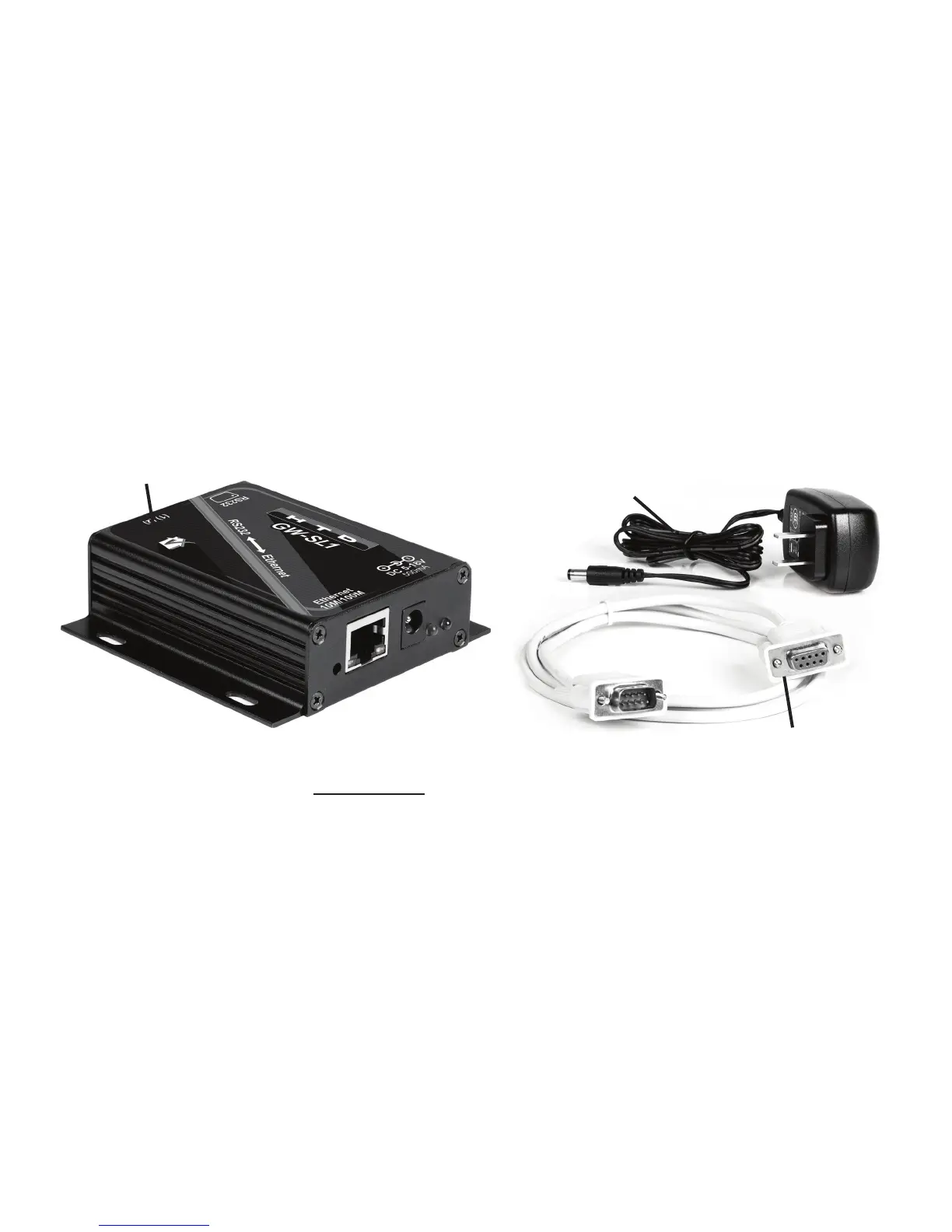
The GW-SL1 product includes the following items:
You will also need a Cat5e cable (NOT included), with male RJ45 connector tips on each end. The Cat5e
cable must be long enough to connect from the GWSL-1 Gateway unit, directly into your network Router or to
another connection point on your home’s computing network.
While working through the following steps, if you have any
questions, feel free to contact us.
Toll Free: 1-866-483-2834
Email: valet@htd.com
1.One (1) GW-SL1 Gateway unit (software is already installed in it)
2.One (1) 120/240VAC Power Supply & Cord
3.One (1) 6 foot-long RS232 Serial Cable for connecting between the GW-SL1 Gateway and the RS232 Serial Con-
nector on the back of your MC-66, MCA-66, Lync6, or Lync12 Controller
Power Supply Cable
RS232 Serial Cable
GW-SL1 Gateway
(Software already installed)


 To Next Page
 Loading...