3
Installing the GW-SL1 GATEWAY
Getting Started:
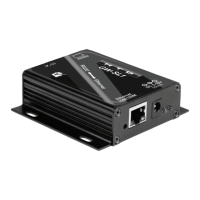
Connect a Cat5e (or Cat6) cable from the GW-SL1 to one of the available “LAN” ports on your network Router or 1.
into another available connection in your network.
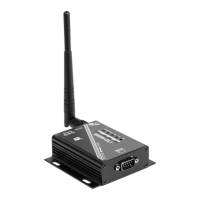
Connect the RS232 Serial Cable to the back of the HTD Whole-House Audio Controller (MC-66, MCA-66, Lync6, 2.
or Lync12) (where it is labeled “RS232 INTERFACE”), and to the GW-SL1 unit.
Plug the Power Supply into an available 120 VAC electrical outlet & it to the GW-SL1 Gateway.3.
Your network Router will automatically recognize the presence of the GW-SL1, and will assign it a unique network 4.
number, known as an internal “IP Address”. An IP address is made up of four groups of numbers, separated by
periods (for example, 192.168.1.10)
Now, in order to access the GW-SL1 from your portable phone or other device, you will need to know what “IP Ad-5.
dress” your router assigned to the GW-SL1.
Preferred method for determining your GW-SL1’s IP address:6.
•Download and use a free utility called “Fing” directly onto your handheld device.
For iPhone, iPad, iPod-Touch or Android users:
• Go to the Apple iTunes/App Store (Apple devices) or Android Market (Android devices) and search for “Fing”.
It’s from a company called “OverLook” - It’s a FREE download and there are no usage fees.
• Select and install “Fing” on your device.
• Make sure your device has access to your wireless network.
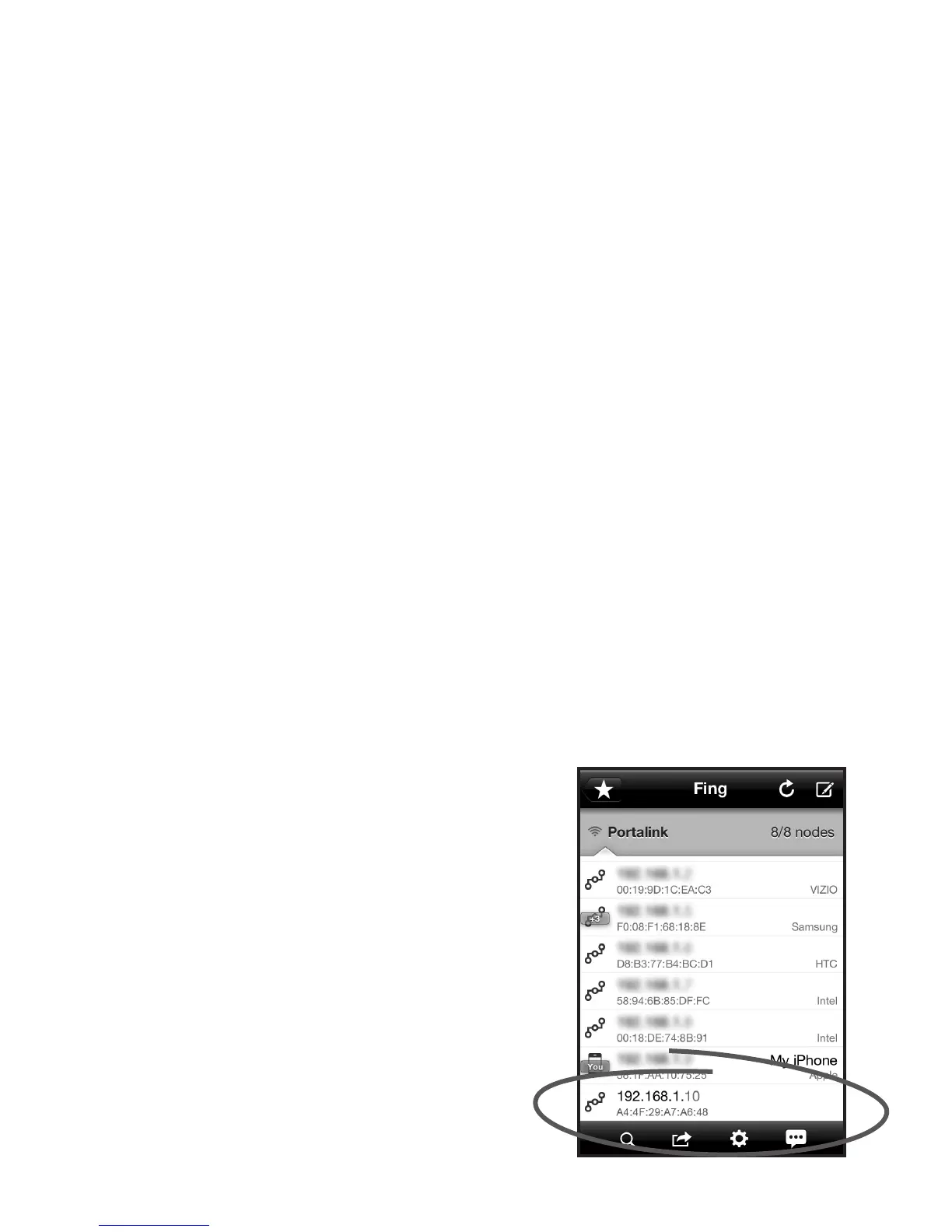
• Run “Fing” on your device. You’ll see a screen similar to the one below.
• On the Fing screen, you will see a list of all the devices currently operating on your network. Under each IP
Address shown on the Fing screen you will see sets of numbers/letters separated by “:” (for example
A4:94:9D:85:A6:48). This group of characters is call a MAC address. This MAC address will be our means to
determine which device is the GW-SL1 and ultimately determine the GW-SL1’s IP Address. Look for the
MAC address that begins: A4:4F:29:A_:__:__ . Only the rst 7 digits matter for the purpose of nding the
GW-SL1 (In the example below the MAC address we are looking for is: A4:4F:29:A7:A6:48). Yours will be
different, but remember only the rst 7 digits matter for our purposes.
• Once you have found the correct MAC address, you will have found the GW-SL1’s IP Address also. The
number above the MAC Address is the IP Address for that device. The IP Address below is 192.168.1.10.
This will NOT likely be the IP address for your GW-SL1.
• Once you have found the IP address for your GW-SL1,
Write down the IP Address in the space provided below:
_____. _____. _____. _____
YouarenownishedinstallingtheGW-SL1.At
this point you will want to open the Valet-Gate-
way integration Manual. You will need the IP ad-
dress that you wrote down above.
Don’t Worry. Just a few more steps and you will
be enjoying your HTD Whole-House Audio Sys-
tem controlled by Valet.


 To Previous Page
 Loading...