English
2
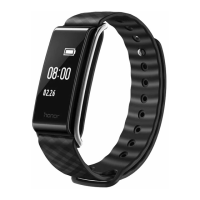
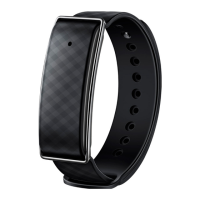
Fully charge the battery before using the Band for the first time. The LED indicator will turn
blue once charging is complete.
battery level drops below 1%.
To view the remaining battery level, touch in the Color Band A1 app.
Downloading the Color Band A1 app
Search for
Color Band A1
in Google Play or Apple's App Store to download Color Band A1.
Connecting to your Band
1. Turn on Bluetooth on your phone.
2. On the the Color Band A1 app screen, touch
>
Pair
, Look for Color Band A1 and touch
it to connect.
Notifications for incoming calls/messages
1. Touch > >
Incoming call/Incoming message
.
2. Switch on
Enable notifications
and configure the alert period.


 To Next Page