Your device at a glance
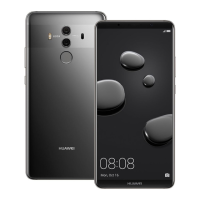
Before you start, let's take a look at your new device.
l To power on your device, press and hold the power
button until the screen turns on.
l To power off your device, press and hold the power
button, and then touch .
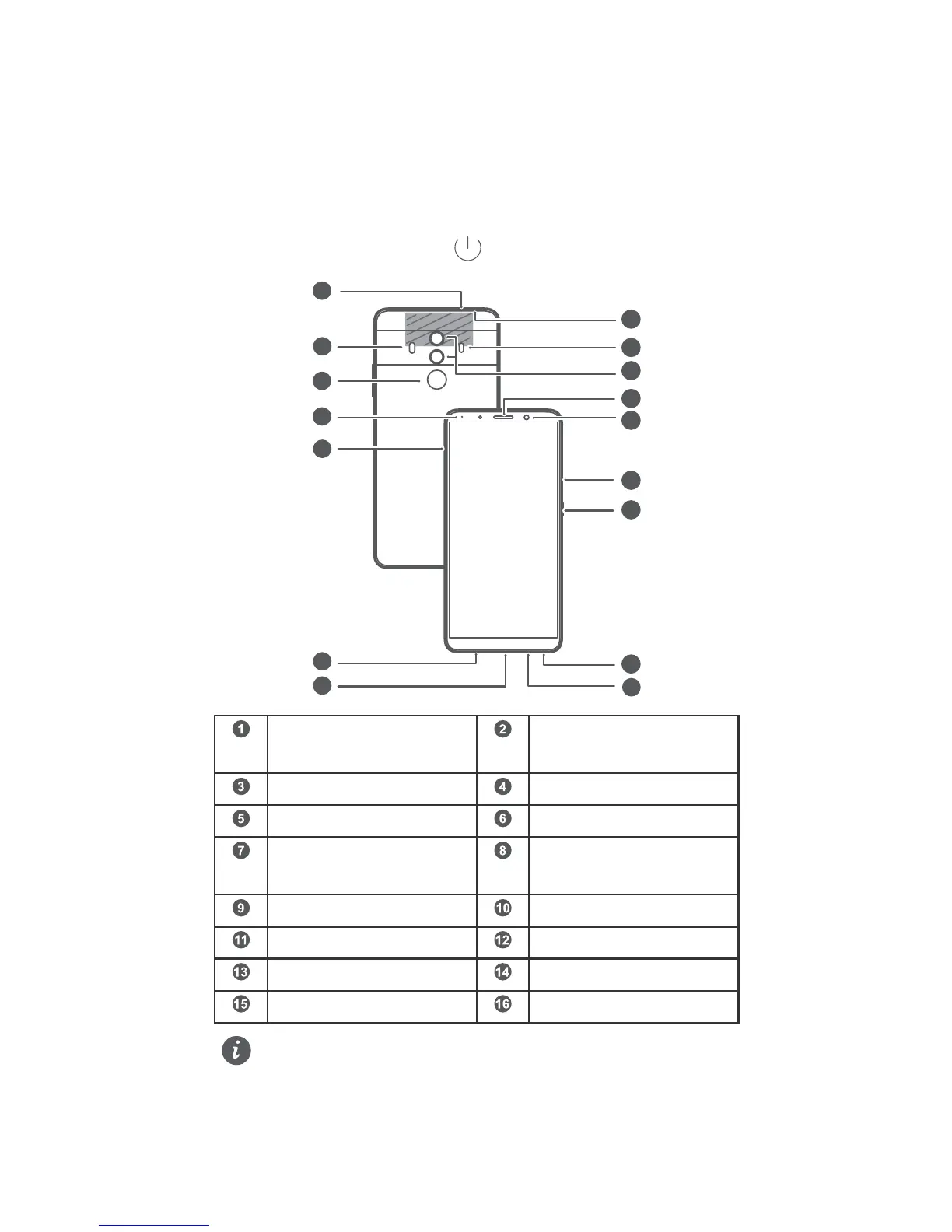
Secondary
microphone
Flash
Fingerprint scanner Status indicator
Card slot Primary microphone 2
USB-C port / Headset
jack
Primary microphone 1
Speaker Power button
Volume button Front camera
Earpiece Dual-lens camera
Laser sensor Infrared sensor
l To force your device to restart, press and hold the
power button until your device vibrates.
English
1



 To Next Page