English
Introduction
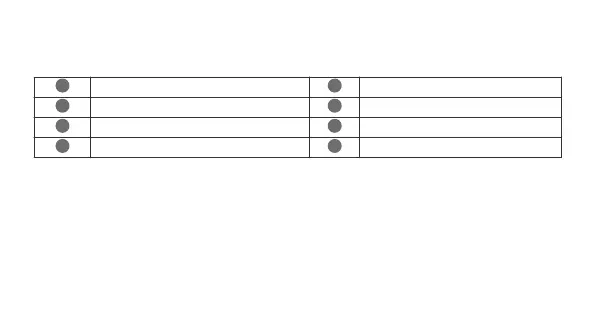
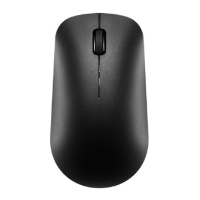
Left button
Scroll wheel + Middle button
Right button
LED indicator
*
Sensor
Power button
Multi-device switch button
Multi-device indicators
*
The indicator will blink red to indicate that the battery level is low and the battery needs to be changed.
Inserting a battery
Open the upper shell along the mark on the back of the mouse, insert an AA battery into the battery compartment, and close
the upper shell.
Pairing
You need to pair the mouse with Bluetooth devices before using it. A maximum of three Bluetooth devices can be connected.
1 Flip down the Power switch at the bottom of the mouse to power it on.
2 Press and hold the Multi-device switch button for 3 seconds. A Multi-device indicator will then blink quickly and the mouse
will be ready for pairing. (When you pair the mouse for the first time, you do not need to press and hold the Multi-device
1


 To Next Page