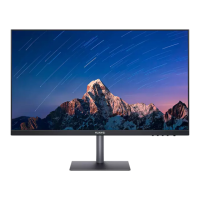
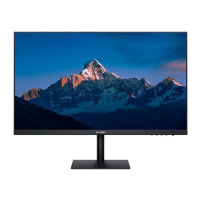
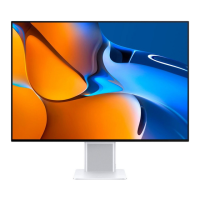
Connects the display to the tower
0°
22°(±2°)
5°(±2°)
HDMI/VGA
1 Gently lift the assembled display and place it on a at surface.
2 Use an HDMI or VGA cable to connect the display to the computer.
3 Connect the power cable to the display and connect the power supply.
4 Power on the tower and display. If images are displayed on the display, it indicates that
the installation is successful. If no image is displayed on the display, see the FAQs chapter.
5 Adjust the pitch angle of the display as required.
To ensure the optimal performance of the display, you are advised to turn o the display
when it is not used for a long time.
4



 To Next Page
 Loading...