Note: Before connecting E220 to the PC, power on the PC. Otherwise, the installation may be affected.
Use the USB cable to connect the modem to the PC by plugging one end into the USB interface of the modem
and the other end into the USB port of your PC or laptop.
Either of the cables provided can be used as the double ended cable only provides and auxiliary plug to provide
more USB power to your modem.
Windows XP auto detects and recognizes the modem and displays the icon on the lower right corner
indicating that the modem is connected successfully.
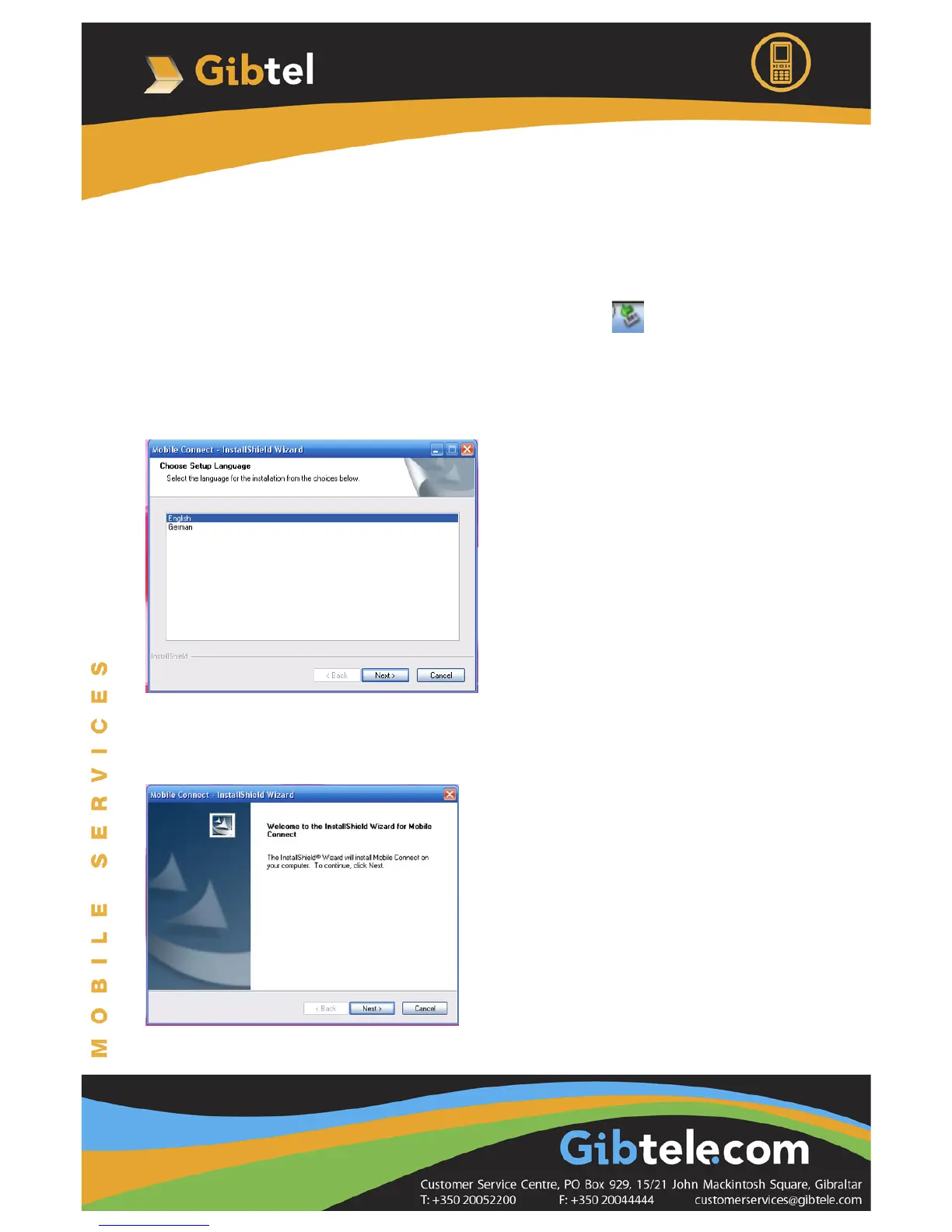
The setup program auto runs. Then the modem installation interface appears:
Note: If the auto-run program does not start, go to My Computer, open the modem icon and double-click the
AutoRun.exe file in the drive to run it.
Once you have chosen your language, follow the instructions on the screens below:





 To Next Page