Bare crimping terminals need to be crimped on both ends of the power cable. Choose different
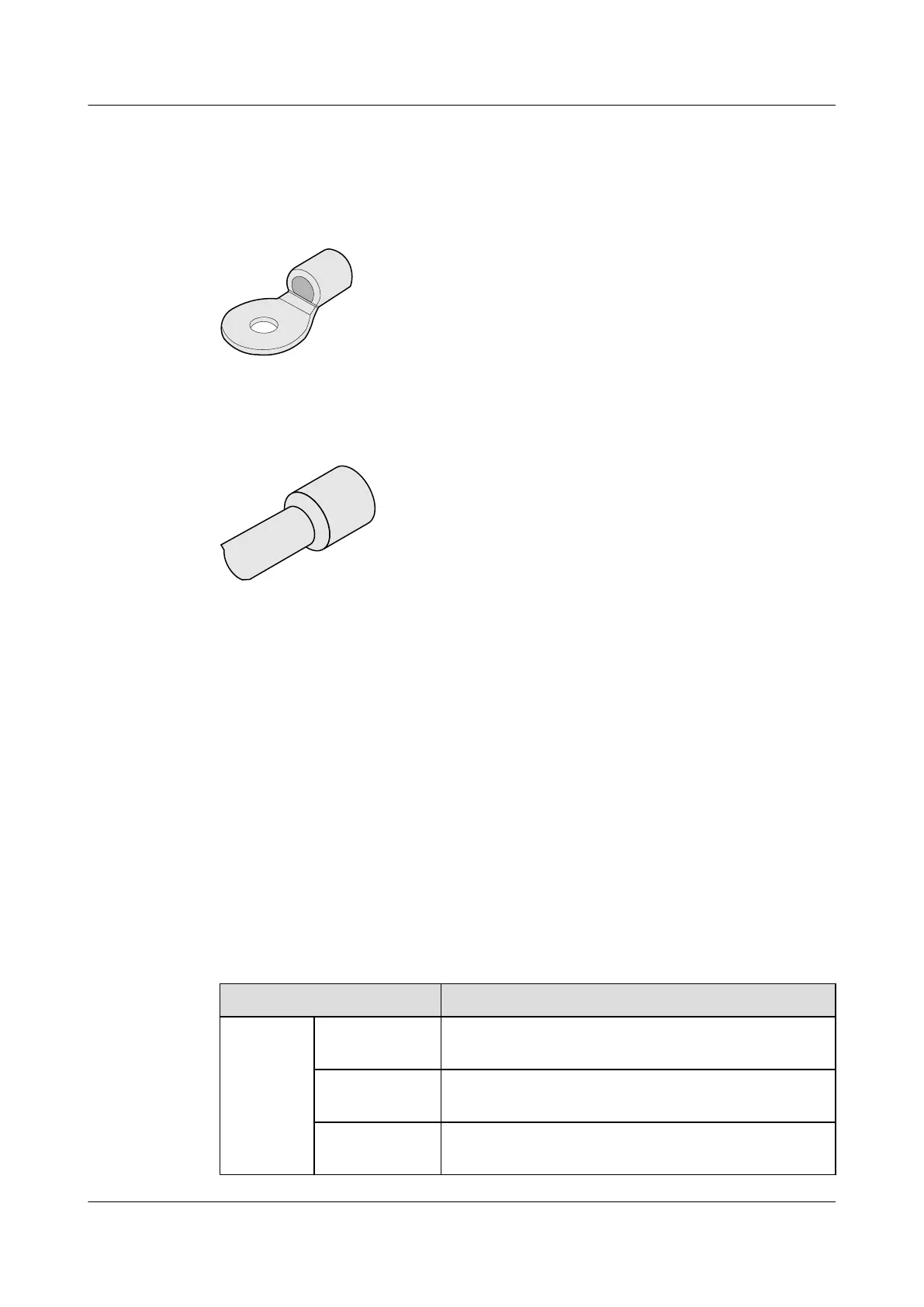
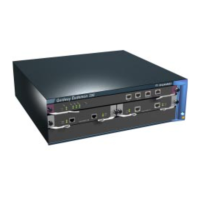
terminals according to different devices. Figure 6-7 shows the OT bare crimping terminal, and
Figure 6-8 shows the single-line cord end terminal.
Figure 6-7 OT bare crimping terminal
Figure 6-8 Single-line cord end terminal
6.2.3 E8000E-X16 AC-input Power Cable
If the E8000E-X16 uses AC power sources, power cables include:
l Cables between the AC-DC convertors and the E8000E-X16.
l Cables between the AC-DC convertors and the AC power distribution cabinet.
Cables Between the AC-DC convertors and the E8000E-X16:
Place the AC-DC convertors as near to the device as possible. If the distance between the AC-
DC convertors and the device is longer than 3 m, the cabling scheme is shown in E8000E-
X16 DC-Input Power Cable. If the distance is shorter than and equal to 3 m, the cabling scheme
is shown in Table 6-9.
Table 6-9 Cable types and cable terminals of the AC-input power cable
Item
Description
Cable Type Monitor and
alarm cable
Monitor and Alarm Cable,3m,D9M,CC4P0.48B(S),D9M
NEG power
cable (-48 V)
Wire,450/750V,60227 IEC 02(RV)16mm
2
,blue,85A
RTN power
cable
Wire,450/750V,60227 IEC 02(RV)16mm
2
,black,85A
HUAWEI Eudemon8000E Firewall
Hardware Description 6 Cables
Issue 01 (2012-11-07) Huawei Proprietary and Confidential
Copyright © Huawei Technologies Co., Ltd.
126


 To Next Page