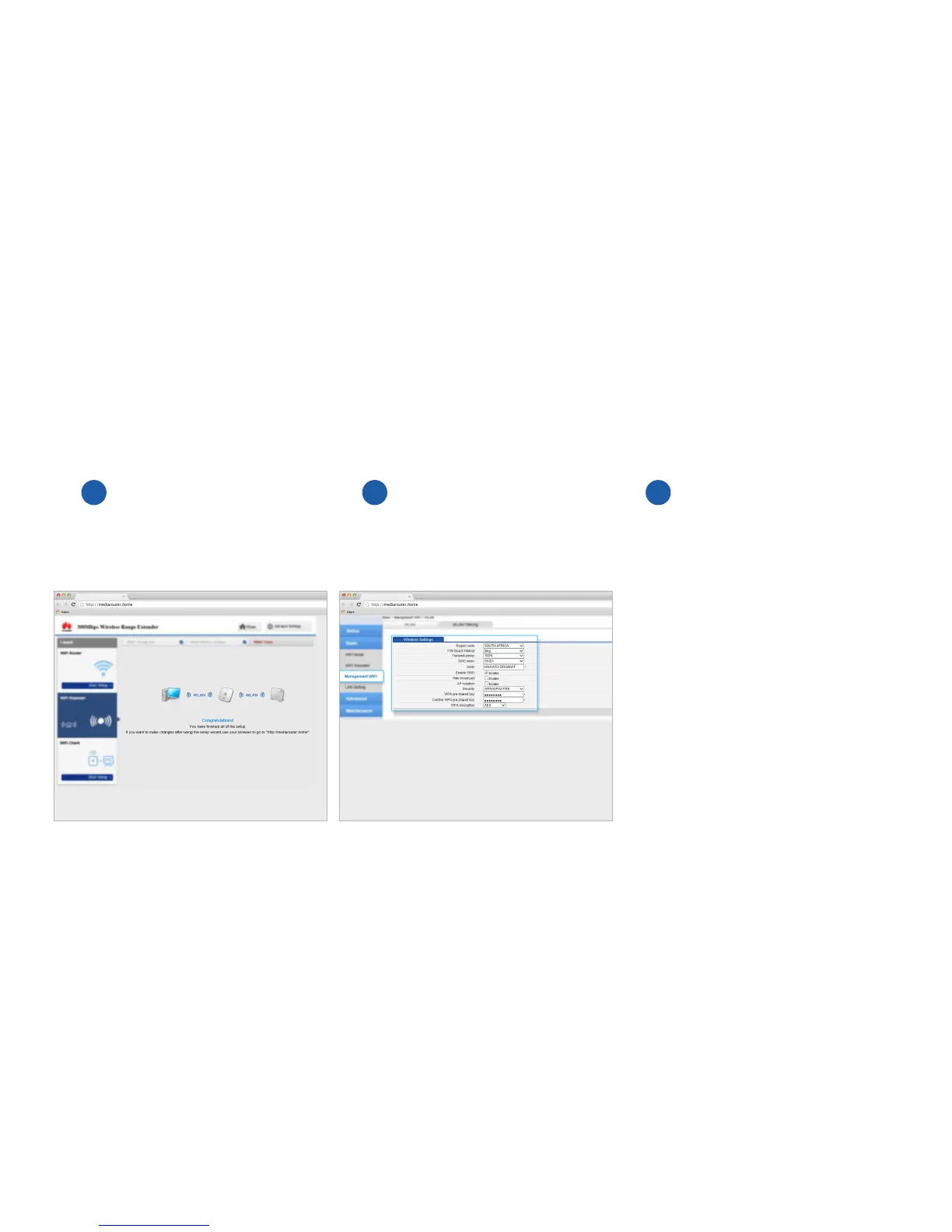
The extender and router will
now connect. You will see a
Congratulations message once this
has happened.
Click Advanced Settings, then select Basic and then
Management Wi-Fi. Change the SSID (Wi-Fi name)
to a name of your choice. Change the WPA preshared
Key (or password) to a password of your choice.
Click Submit to save your changes.
7 8
Last
few steps.
Click Logout.
Plug the Extender into the general area
that you wish to extend the signal. Make
sure there are at least 2 arcs showing on
the front of the device otherwise the signal
strength is too weak.
9



 To Next Page