2
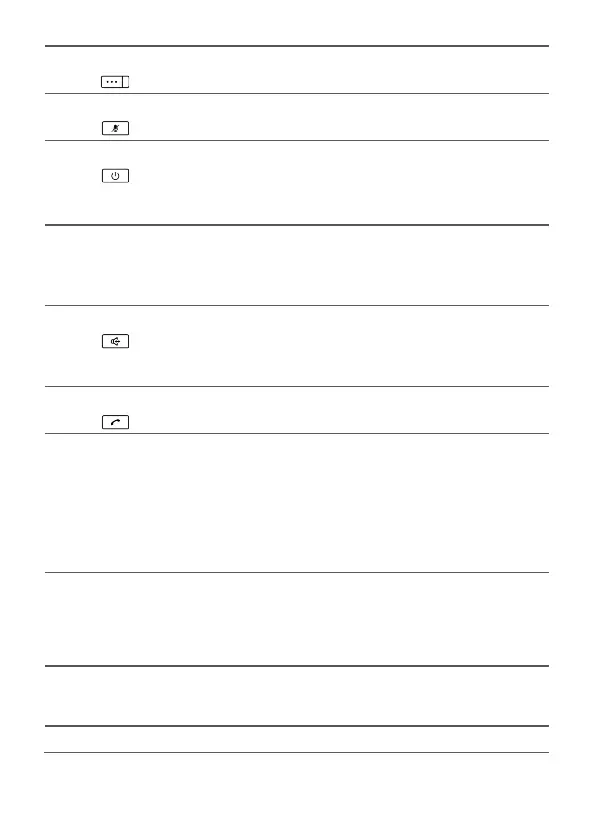
3 Right function key
Select the option displayed in the lower right
corner of the screen.
4 Mute key
Press this key to mute or unmute an ongoing call.
5 End key
End or reject a call.
Press and hold this key to power the phone on
or off.
Return to the standby mode.
6 Shortcut keys Speed dial a phone number.
Select Settings > Phone settings > Speed
dial to assign a shortcut key to a phone
number.
7 Hands-free key
Make or answer a call without lifting the
handset in standby mode.
In the hands-free mode, cancel the dialing
when dialing a number or end the current call.
8 Call key
Make or answer a call.
View the dialed calls in standby mode.
9 Number and symbol
keys
Enter numbers, letters, and symbols.
Speed-dial a user-assigned phone number by
pressing and holding 2~9 key in standby mode.
Press # key to switch between text input
methods in editing mode.
Press * key to display the symbol list in editing
mode.
10 CONF key When you are in a call, set up another call with
another number, and then press the CONF key to
start a conference call among all calling parties. A
conference call can have a maximum of six
participants.
11 TRANS key If you receive a call when you are already in
another call, you can press the TRANS key to
transfer the incoming call to another number.
12 HOLD key Hold or resume the call.



 To Next Page