2
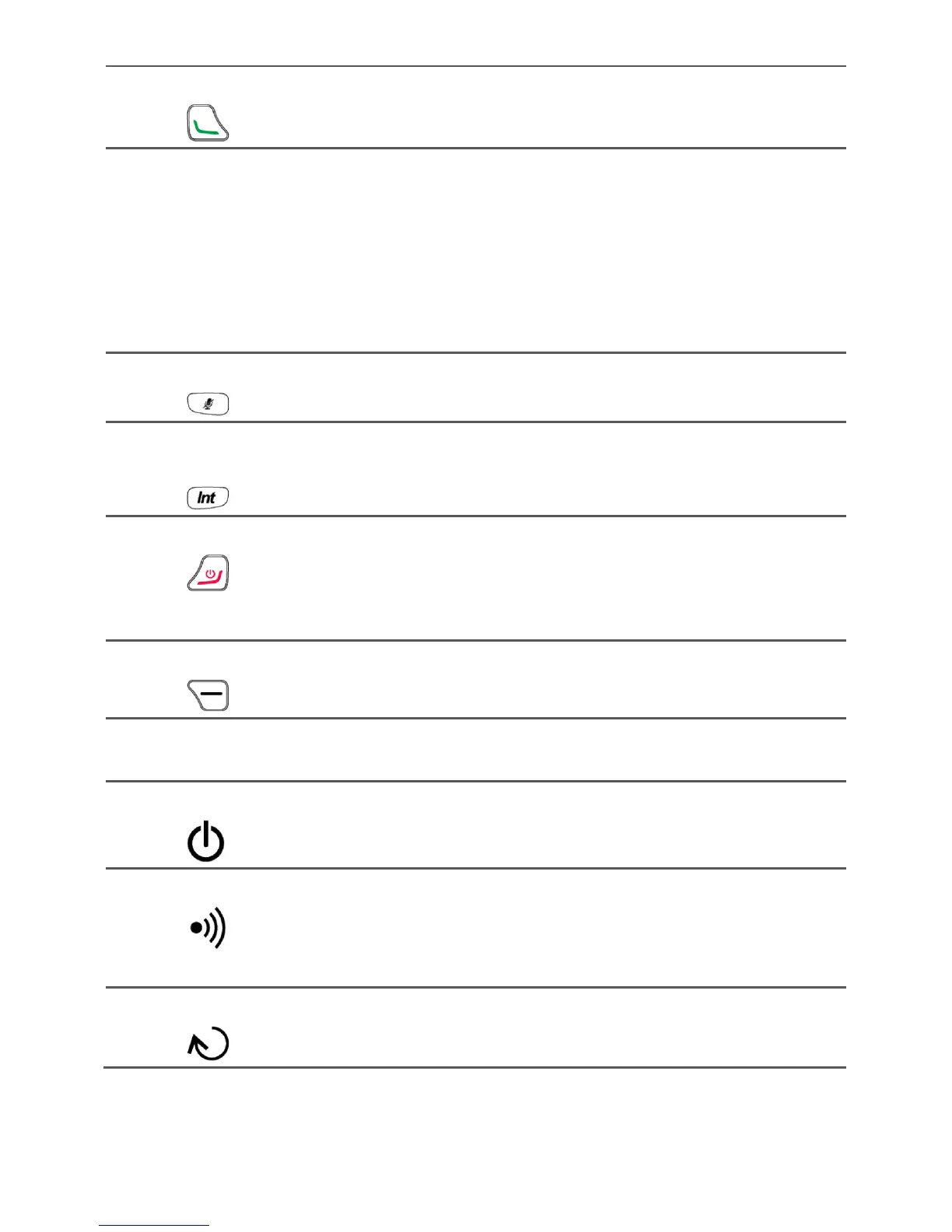
3 Call key
Make or answer a call.
View the dialed calls in standby mode.
4 Number and symbol
keys
Enter numbers, letters, and symbols.
Speed-dial a user-assigned phone number by
pressing and holding 2~9 key in standby mode.
Press # key to switch between text input
methods in editing mode.
Press * key to display the symbol list in editing
mode.
5 Mute key
Press this key to mute or unmute an ongoing call.
6 Intercommunication
key
Press this key to access the list of registered
handsets in standby mode.
7 End key
End or reject a call.
Press and hold this key to power a handset on
or off.
Return to the standby mode.
8 Right function key
Select the option displayed in the lower right
corner of the screen.
9 Charging ports for
handsets
Connect a handset to the ports to charge it.
10 Power key
Press and hold this key to power the base on or
off.
11 Page/Register key
Press this key to call a handset. This function is
useful when you cannot find your handset.
Press and hold this key to register a handset
with the base.
12 Reset key
Press and hold this key in standby mode to
deregister all handsets from the base.



 To Next Page