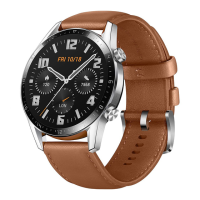
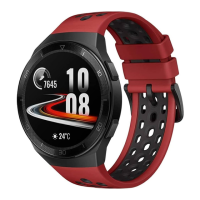
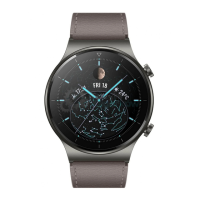
Sports smart watch
Android/iOS
Thank you for choosing our smart watch. You
can read this manual to fully understand how to
use the device. This device is mainly connected
to the mobile phone through Bluetooth for
adaptation and use. It provides a variety of
practical functions and services to facilitate your
operation of the mobile phone. Human movement
and health functions. The company reserves the
right to modify the contents of this manual
without any prior notice without notice
Operating instructions:
Side button function:
1.Up button: Function button: Single press to
enter Gypsophila; when in other application
interface, single press to return to the upper
level interface; Double-press to switch menu
style on menu interface;
2.Down button: long press to switch the machine;
single press on the dial interface to turn on and
off the screen, other interfaces return to the dial
interface with one key;
Touch gesture:Double-click on the dial interface
to enter the SIRI interface; swipe left to switch
to the component interface; swipe right to enter
the split-screen UI; swipe down to enter the
control center; swipe up to enter information;
after entering each function, swipe right to return.
Dial switch: The rotary encoder switches the dial.
Strap replacement: Pull forward with one hand,
and push forward with the other hand at the
same time, the strap can be easily disassembled;
Charging instructions:
It supports wireless charging. When charging,
place the watch on the disc, and support the
computer USB or mobile phone 5V standard
charger, which can be fully charged in about
150 minutes.
Horizontal and vertical charging screen: When
connected to the power supply and placed
horizontally or vertically, the bedside clock
interface will be displayed.
Connection between watch and mobile phone:
First, the mobile phone must download the APP
"RDFit" to the mobile phone and install it in
two ways。
1.IOS/Android phone user:
Scan the QR code below through the mobile
browser, or scan it with WeChat. When the
interface is opened, click the Android/iOS
download option and choose to open the
download with the mobile browser.
The QR code in the figure below is the RDFit
APP download
2.For Android phones, search for "RDFit" and
download in App Store, Google Play, and
various mobile app stores, and for Apple phones,
search for "RDFit" and download on the App
Store.
After the download is complete, there will be
various permission reminders during the
installation process, click to agree to all, and the
App only









 To Next Page