Not all devices support microSD cards.
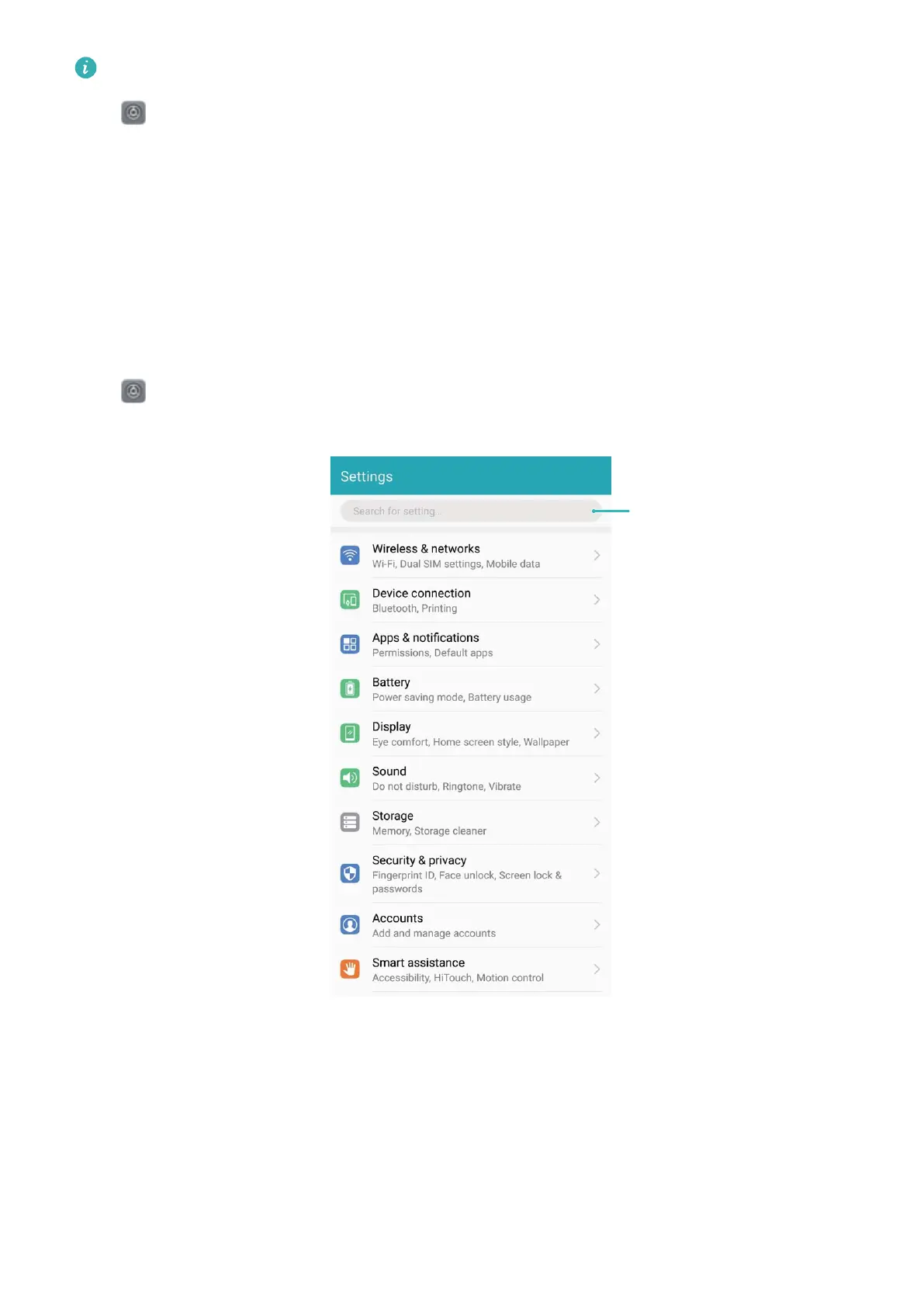
Open Settings and touch Storage to view usage information about your memory, internal
storage, or micro memory card. Based on the free space of internal storage, delete unwanted les,
format the micro memory card, or change the default save path as required.
Clear storage space: Select Clean up to enter the Cleanup screen and clean your memory or free
up storage space with a single touch.
Use Smart Settings to Find a Setting Quickly
Want to change the font style but can't nd the setting? Smart settings can help you nd a setting
quickly.
Open Settings. You can enter a keyword or synonym in the search bar and your Phone will
display all related settings.
System
80



 To Next Page