Edit the Highlights Album
Want to change the background music or video template for Highlights? You can edit a
Highlights video and personalize it with the background music and template you like.
l Highlights automatically creates videos based on the geographical information in your
photos. To use this feature, open Camera, go to Settings, and check that GPS tag is
enabled.
l Check that your Phone is connected to the Internet.
l Highlights albums are created automatically when your Phone is charging, the screen is
switched off, and the battery is at least 10% charged. It may take some time for your
Phone to create the album. Your Phone will not create a Highlights album if there is an
insufficient number of photos or videos in your Gallery.
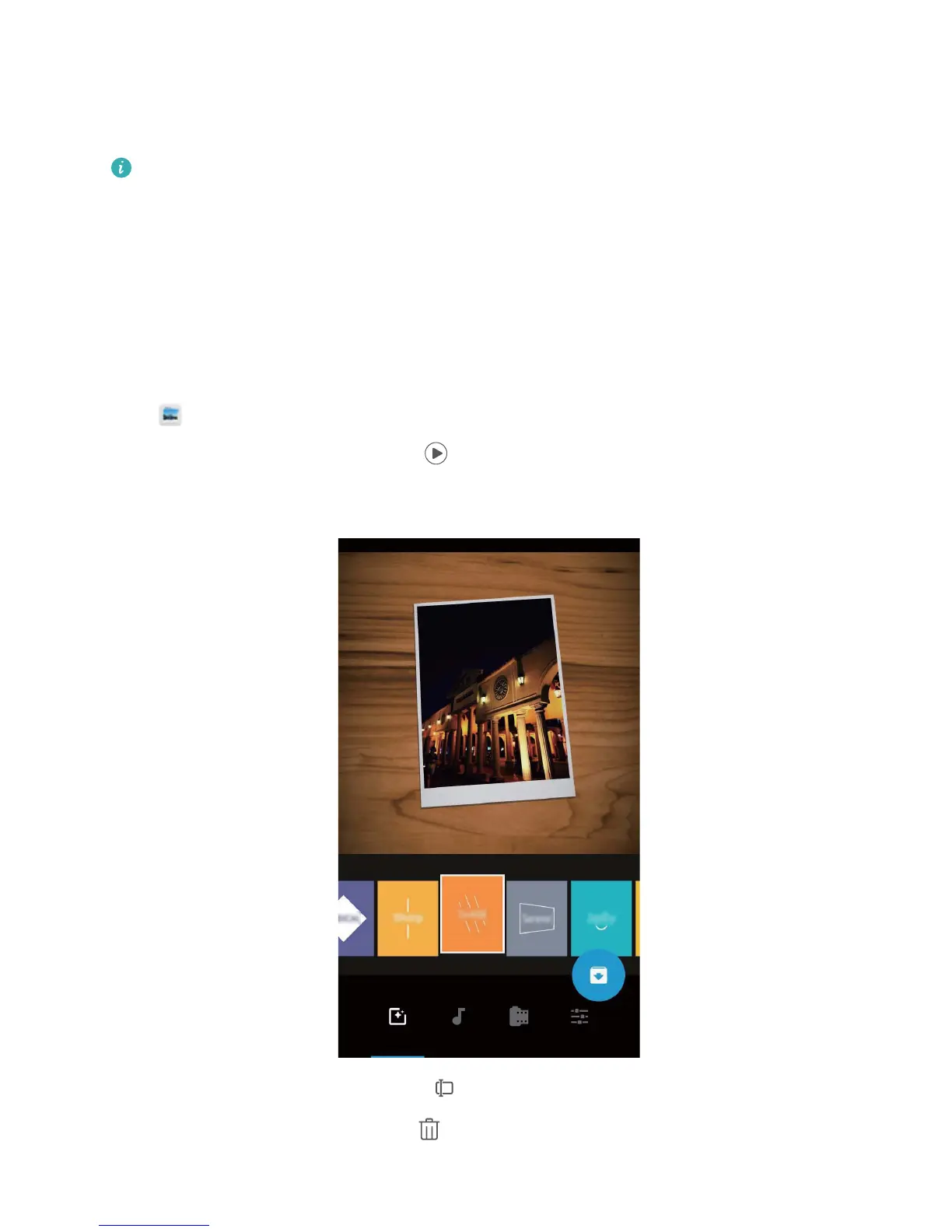
Open Gallery, and touch the Highlights album you want to view or edit under Discover.
l Playing or editing Highlights: Touch , and you can edit the video's template or
background music using the options bar near the bottom of the screen during playback.
l Renaming a Highlights album: Touch and enter the new name.
l Deleting a Highlights album: Touch , and then touch Delete.
Gallery
79



 To Next Page