1
Your device at a glance
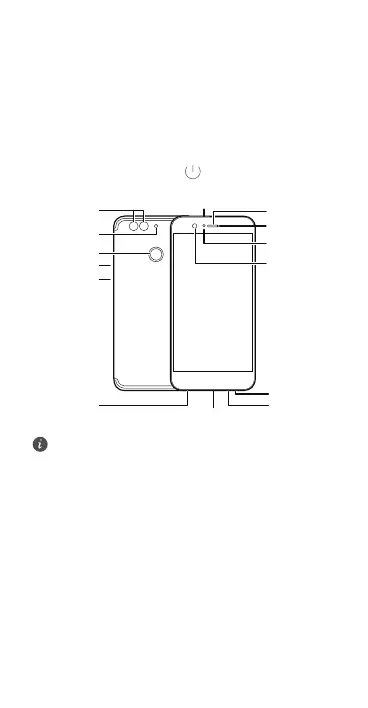
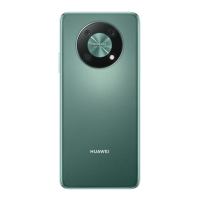
Before you start, let's take a look at your new device.
•
To power on your device, press and hold the power
button until the screen turns on.
•
To power off your device, press and hold the power
button, and then touch
.
To force your device to restart, press and hold the
power button until your device vibrates.
;9()VUXZ
+GXVOKIK
2OMNZYKTYUX
6U]KXH[ZZUT
,XUTZIGSKXG
9VKGQKX
9ZGZ[YOTJOIGZUX
*[GRRKTY
IGSKXG
,RGYN
,OTMKXVXOTZ
YIGTTKX
.KGJYKZPGIQ
<UR[SKH[ZZUT
3OIXUVNUTK
3OIXUVNUTK



 To Next Page