7
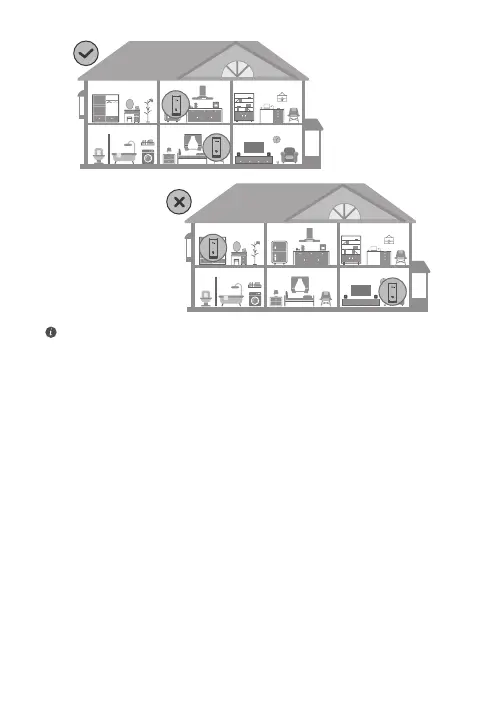
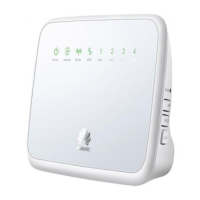
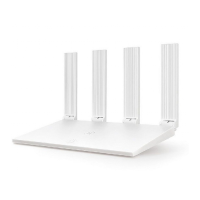
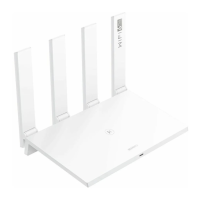
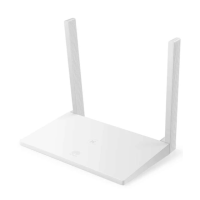
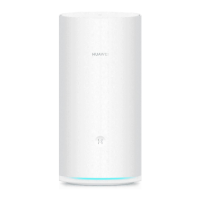
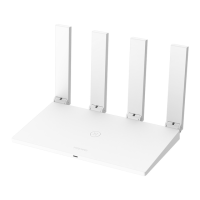
• For best results, place the routers within 10 meters of each other
with one wall in-between at most.
• All routers share the same Wi-Fi name and password. When you
move across rooms, you will automatically connect to the faster
Wi-Fi network.
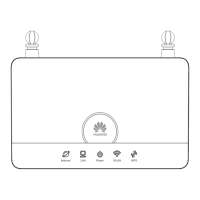
• If a router's indicator is steady red, this means that it cannot
connect to the Internet. Please refer to "Indicator - Steady red"
below for more details.


 To Next Page