29
Organization > Site > Device configurations > User profile Overview 1/6
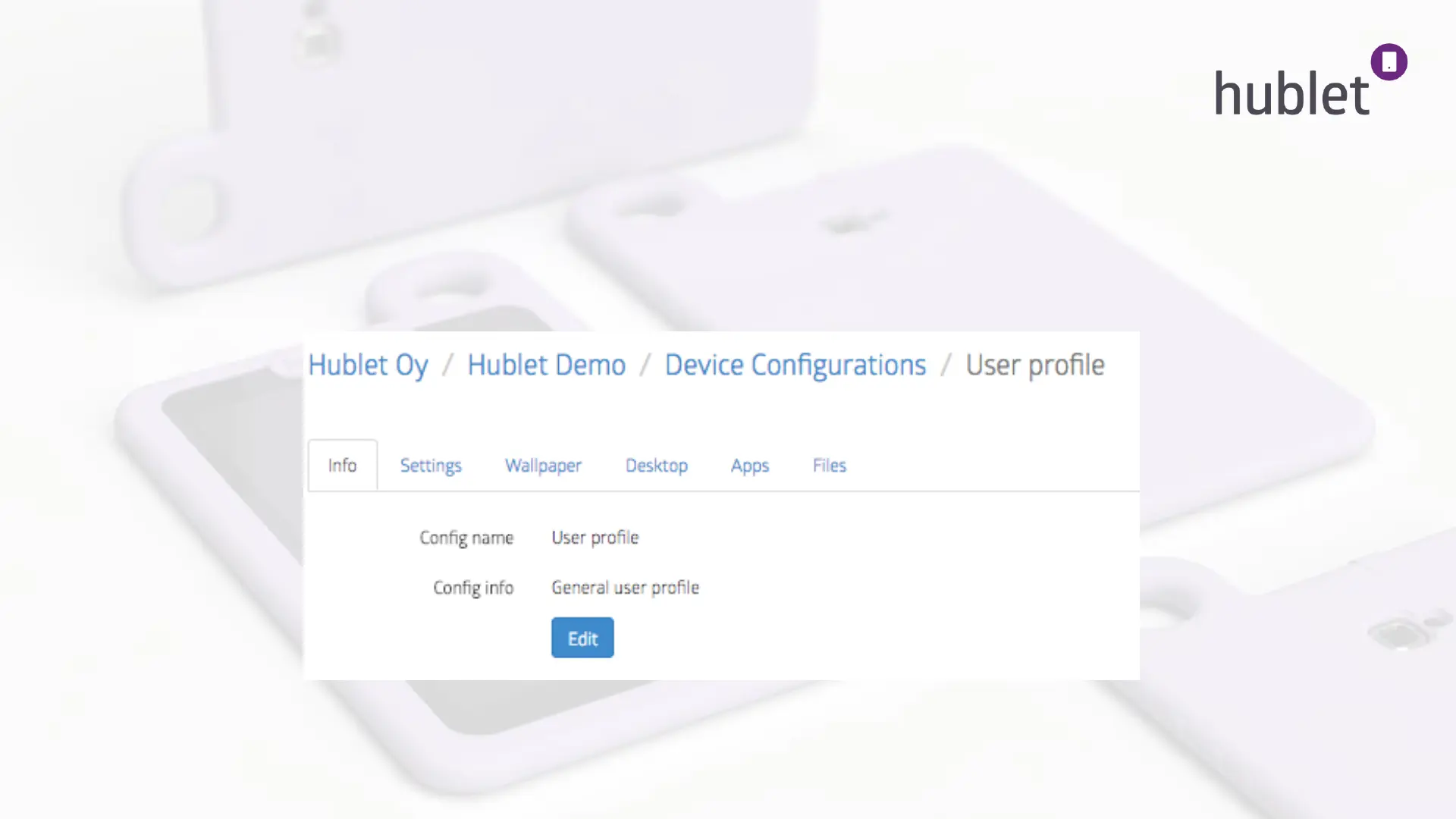
After clicking the name of the profile you wish to modify or the pencil icon on its row, you will see the following view.
There are six tabs that control everything in this specific user profile. Below you have an overview of these tabs:
View: Device configurations > User Profile > Info
Info Choose the name and add information about your profile. Only visible to the admins.
13/03/2019



 To Next Page