Organization > Site > Devices
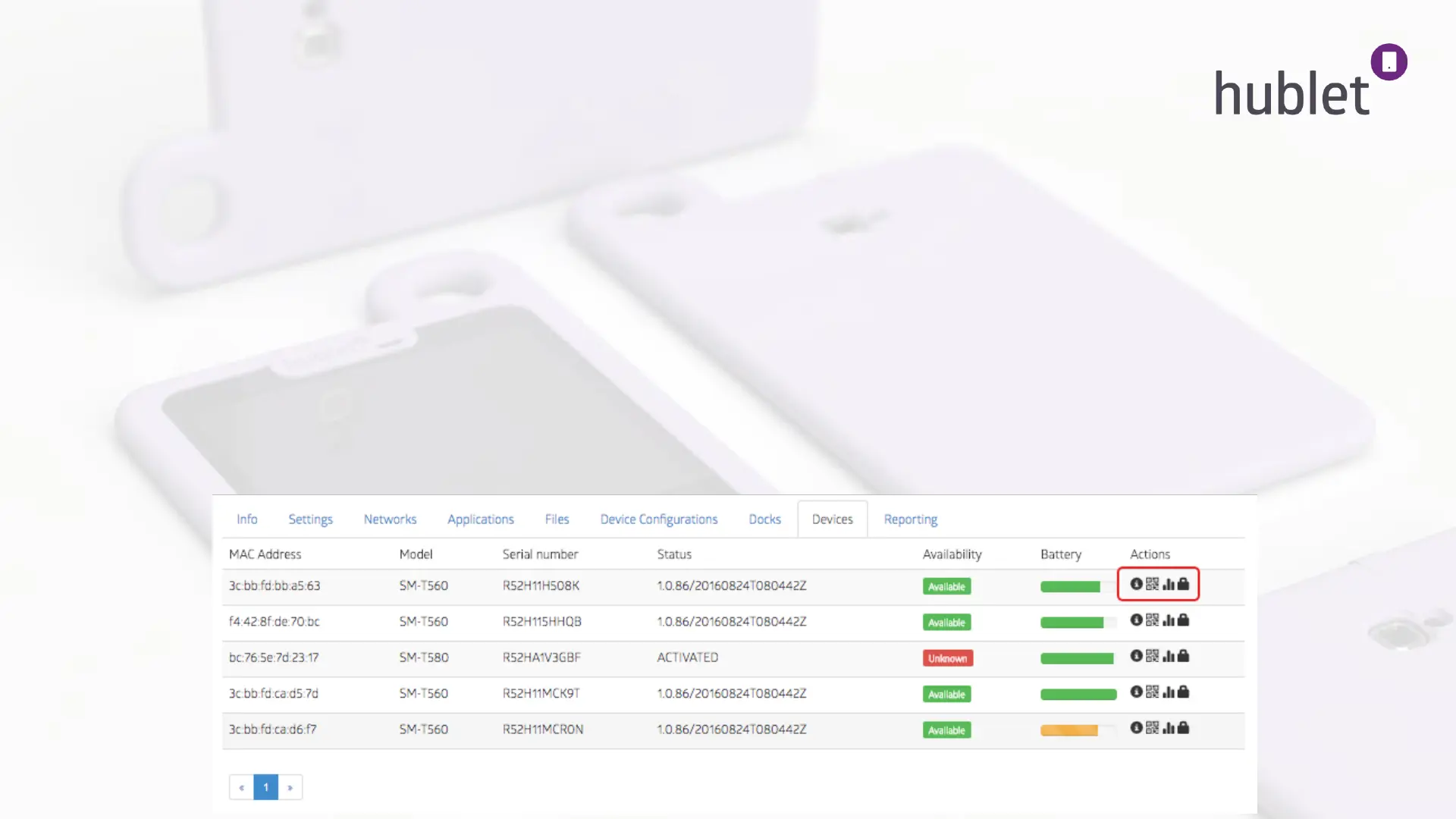
The Devices tab shows you the technical details of your tablets. You can see the serial numbers, MAC addresses,
availability for loan and battery status of the tablets.
On the right you can see different icons:
1. The info icon gives you more technical details from the tablets
2. The QR icon opens a QR code that can be used to identify the tablet and enter Android settings on the tablet.
Usually this is needed only for troubleshooting.
3. The bars icon show you information about the battery usage
4. The lock icon lets you lock a tablet to restrict usage.
This information is seen on the Loans tab as well under the sub tab Devices.
48
Site > Devices
13/03/2019


 To Next Page
 Loading...