Taking into use: Connecting Hublet Dock to a network 1/4
1. First, you’ll need the dock’s Master PIN code in order to
enter Maintenance mode and configure the network
settings for the dock.
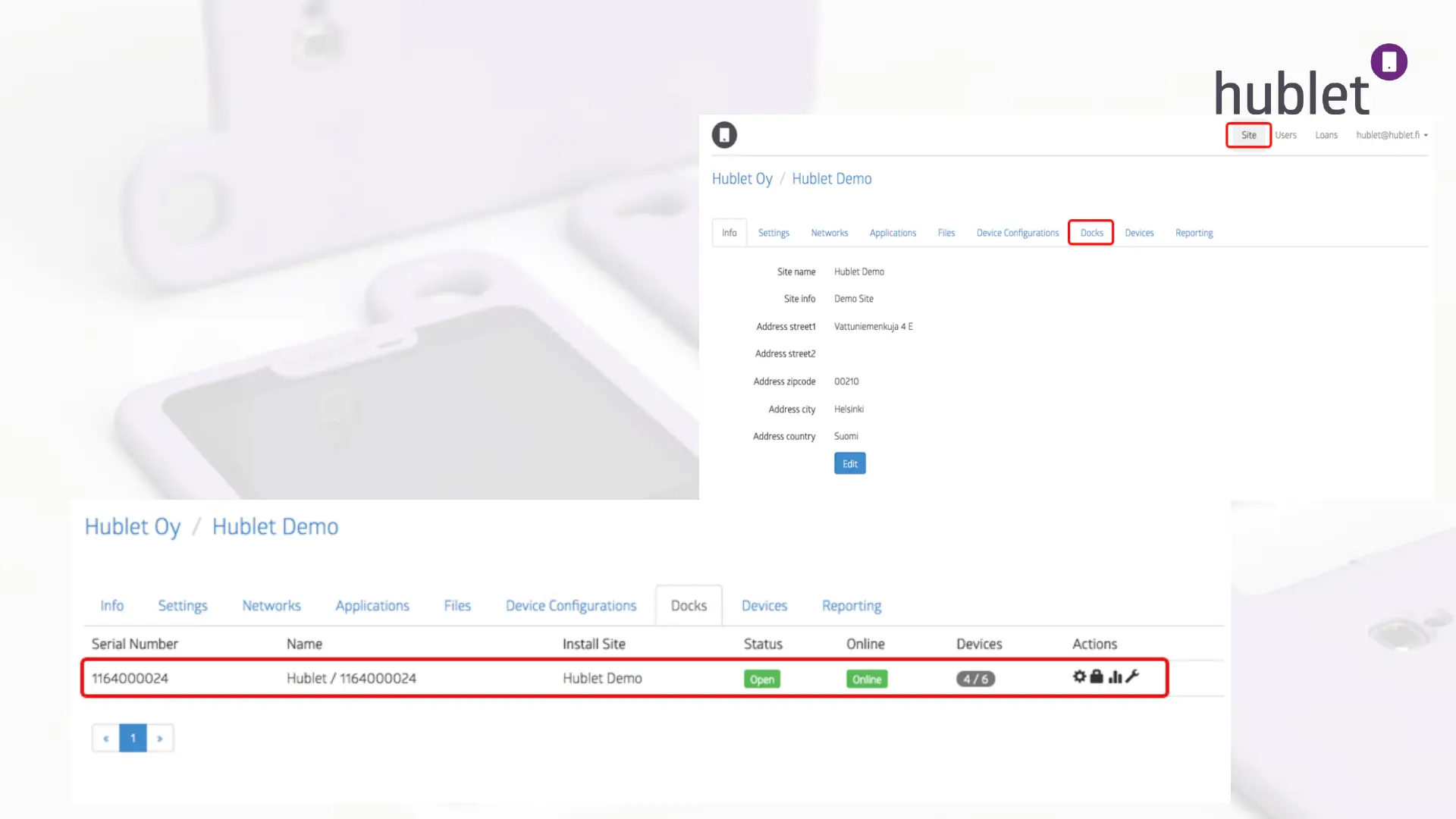
2. Log in to the Hublet Manager and go to Site > Docks.
3. Click on the row of the dock you are working with.
View: Hublet Manager > Site
View: Hublet Manager > Site > Docks



 To Next Page