9
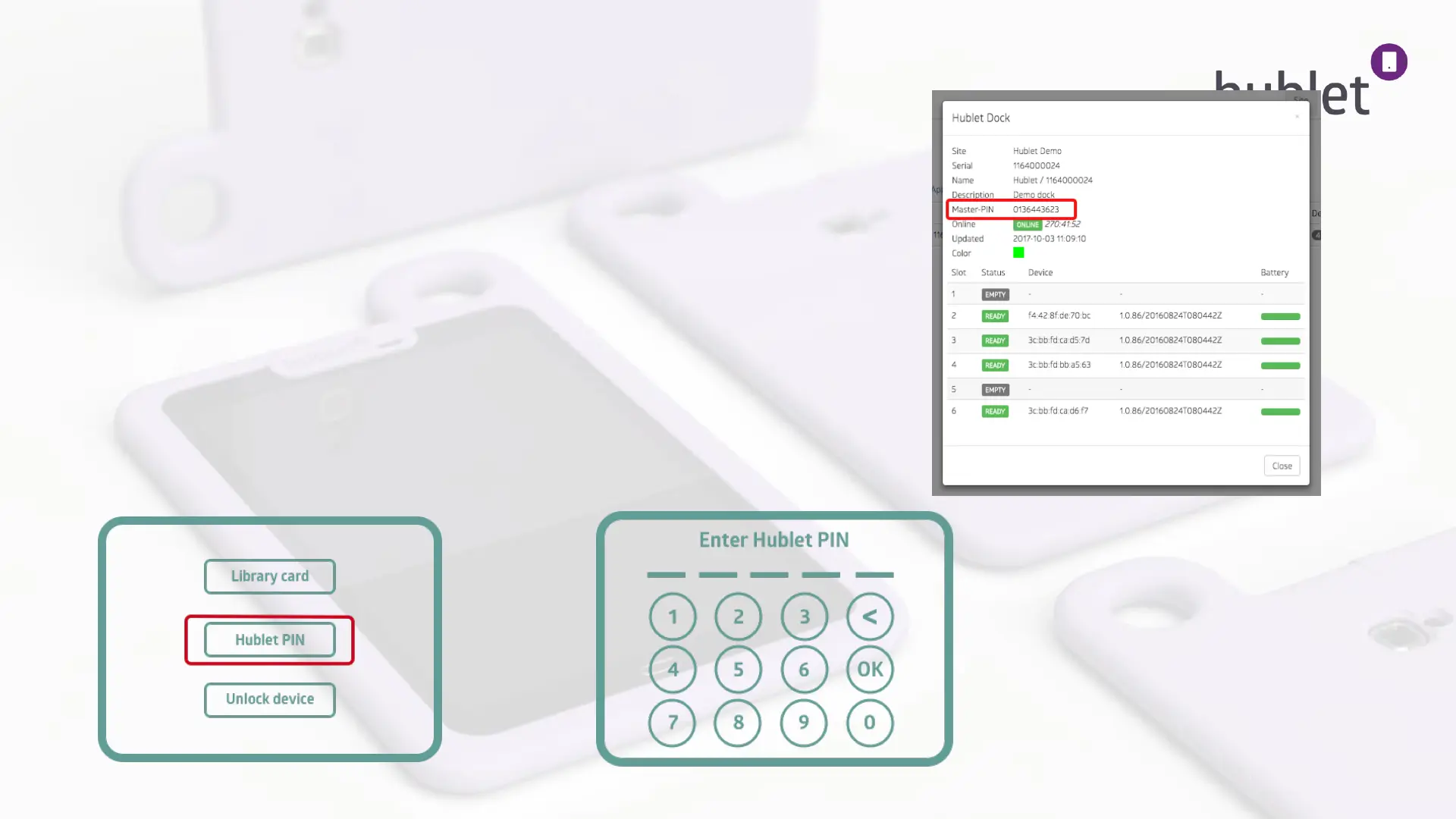
3. The dock’s information will pop up and you will find the Master PIN
code.
4. Plug the Hublet Dock in to the electricity network and wait for it to
boot up. On the touch screen press Hublet PIN.
5. Enter the 10-digit Master PIN and press OK.
Taking into use: Connecting Hublet Dock to a network 2/4
View: Site > Docks > Dock info popup
>
Initial dock screen view
Hublet PIN view
13/03/2019



 To Next Page