Ver. 1.3 – 8.3.2017
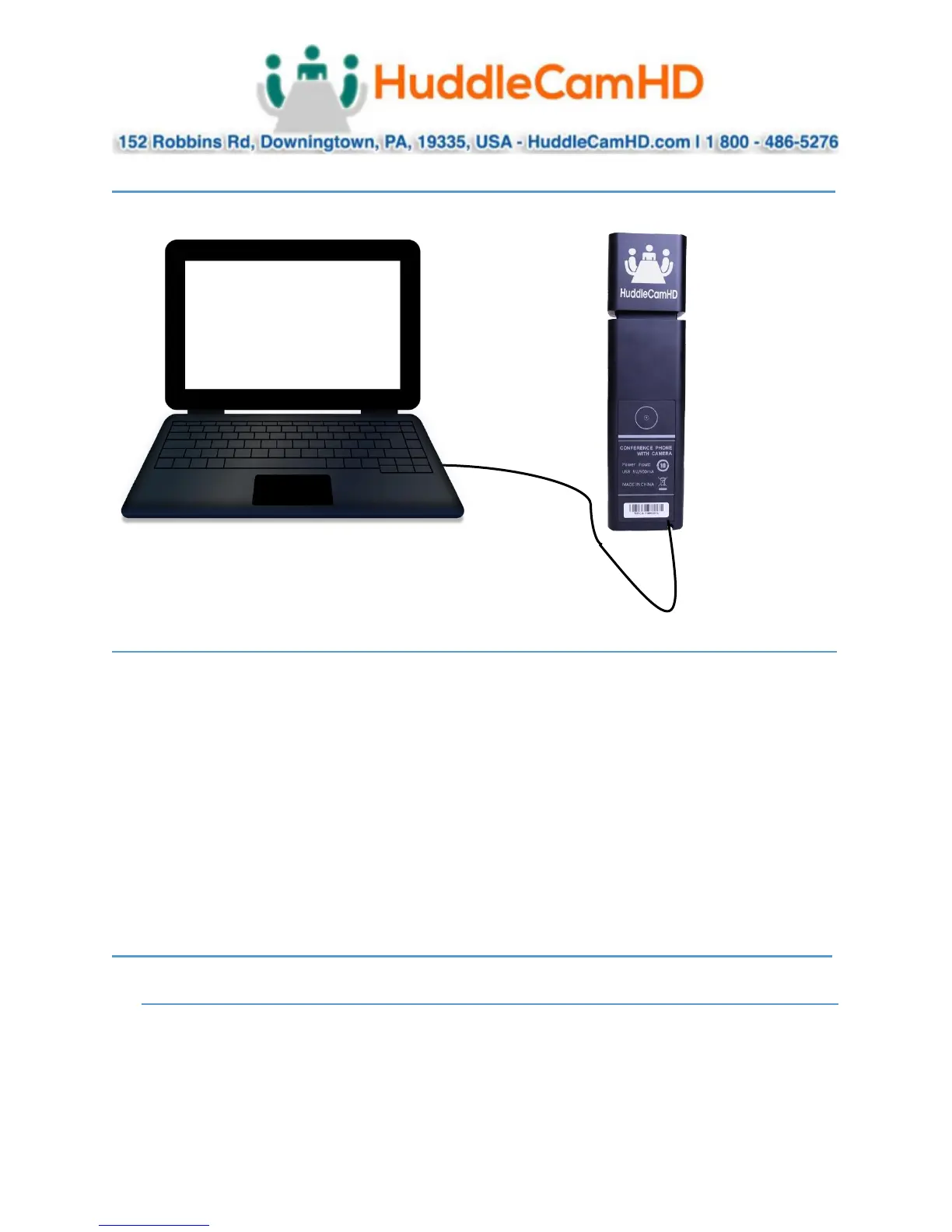
Connection Diagram________________________________________
Status Light Indicators _____________________________________
• Camera Status Light (3)
o Green Light: Camera is live
o No Light: Camera is not being used currently
• Audio Status Light (4)
o Green Light: Microphone and Speaker are live and not muted
o Red Light: Microphone is muted and Speaker is live
o Green Light Slow Flash: Speaker has been muted and is Microphone is live
o Red & Green Light Slow Flash: Speaker is muted and Microphone is muted
o Green Light Flash: Volume “+” or “-“ is being changed
Operating Instructions_____________________________________
USB Connection_________________________________________________
1. Connect Mini USB 2.0 cable to bottom of device and your computer
2. Wait for automatic UVC driver installation for use (This may take several minutes to complete)
3. Open your favorite software of choice to begin interacting with your HuddleCamHD GO



 To Next Page
 Loading...