Set up the tripod
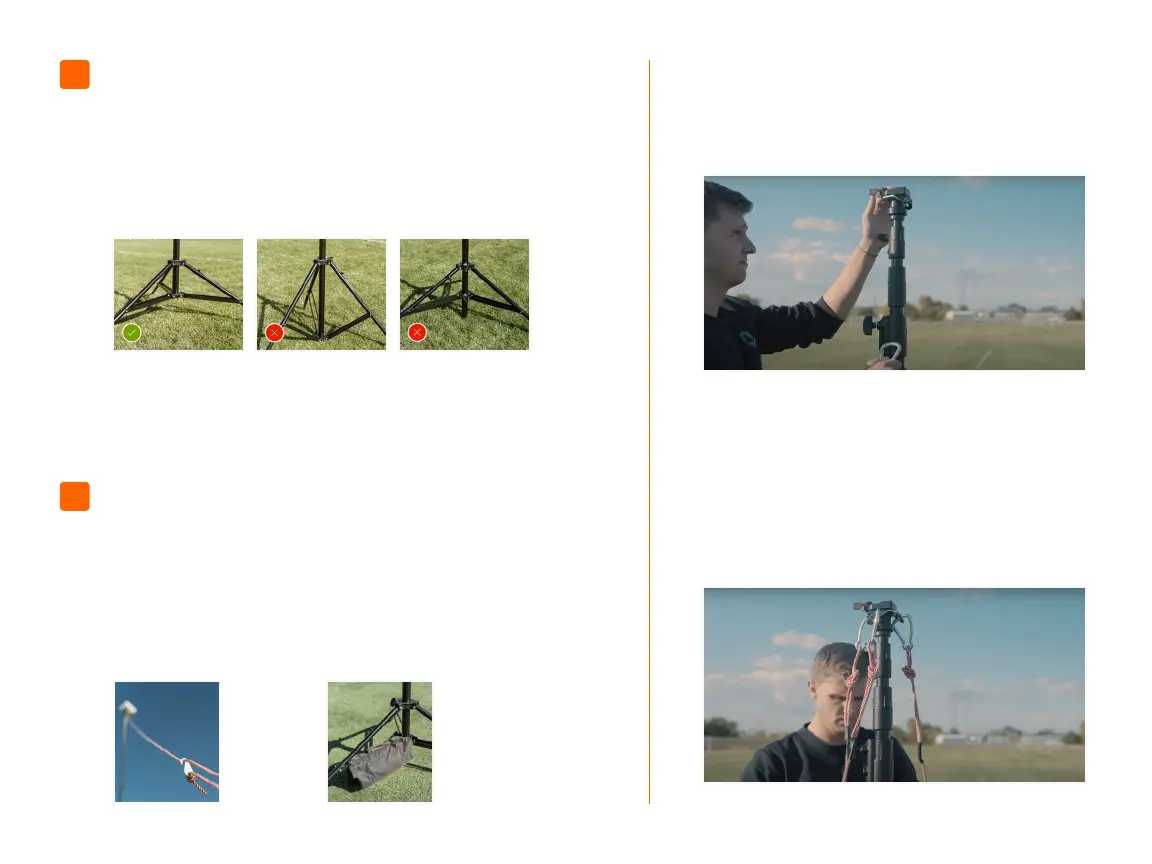
Loosen tripod knob (E), then expand the tripod legs
until the leg brace is parallel to the ground. Next,
tighten knob (E) to secure it in place. To keep the
tripod stable and the center column even with the
leg brace, do not adjust the bottom tripod knob.
02
Leg brace is parallel to
the ground and center
column is even with
the parallel leg brace.
Leave the Stabilization Kit adapter attached to the tripod after use.
Safety
cables and
stakes for
grass elds
See 03a,
pg. 06
Sandbag for
articial turf
elds
See 03b,
pg. 08
Leg brace is not
parallel to the ground.
Center column is not
even with the parallel
leg brace.
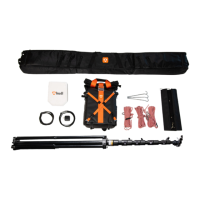
Set up the tripod Stabilization Kit
The tripod must be stabilized any time it is raised
in the air, regardless of conditions. Failure to use
the stabilization kit may result in serious injury or
property damage. The Stabilization Kit includes
safety cables and stakes for grass elds and a
sandbag for articial turf elds.
GRASS FIELD
1. Ensure these items are attached to the tripod:
Rapid connect adapter and stabilization kit
attachment. For equipment reference, see page 2.
2. Attach the Stabilization Kit safety cables:
Taking the end of the Stabilization Kit safety cable
with the carabiner clip, attach the clip through
one of the holes of the stabilization kit attachment.
Repeat these steps with the remaining two
Stabilization Kit safety cables.
03a
03
07


 To Next Page
 Loading...