6
|
Getting Started
Charge all devices.
Charge all recording/viewing devices overnight.
Log in to the Hudl Sideline app.
Be sure to log in wherever Wi-Fi is available. You will not be able to log in while
connected to the Hudl Sideline network.
Prepare for weather.
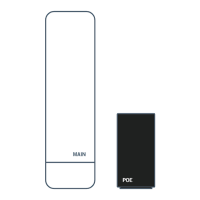
The sideline access point (A) is weatherproof. All other hardware must be protected.
Check the storage on all iPads/iPhones.
Make sure you have at least 4 GB of free space. To check your free space, navigate
to Settings, select General and tap Storage & iCloud Usage.
Check for updates.
Make sure all devices are on the most recent operating system (iOS) with the latest
version of Hudl Sideline. App updates are available anytime we make improvements.
Pre-Game Checklist


 To Next Page