Getting Started
|
5
1. Connect each iPad or iPhone to cellular data or Wi-Fi.
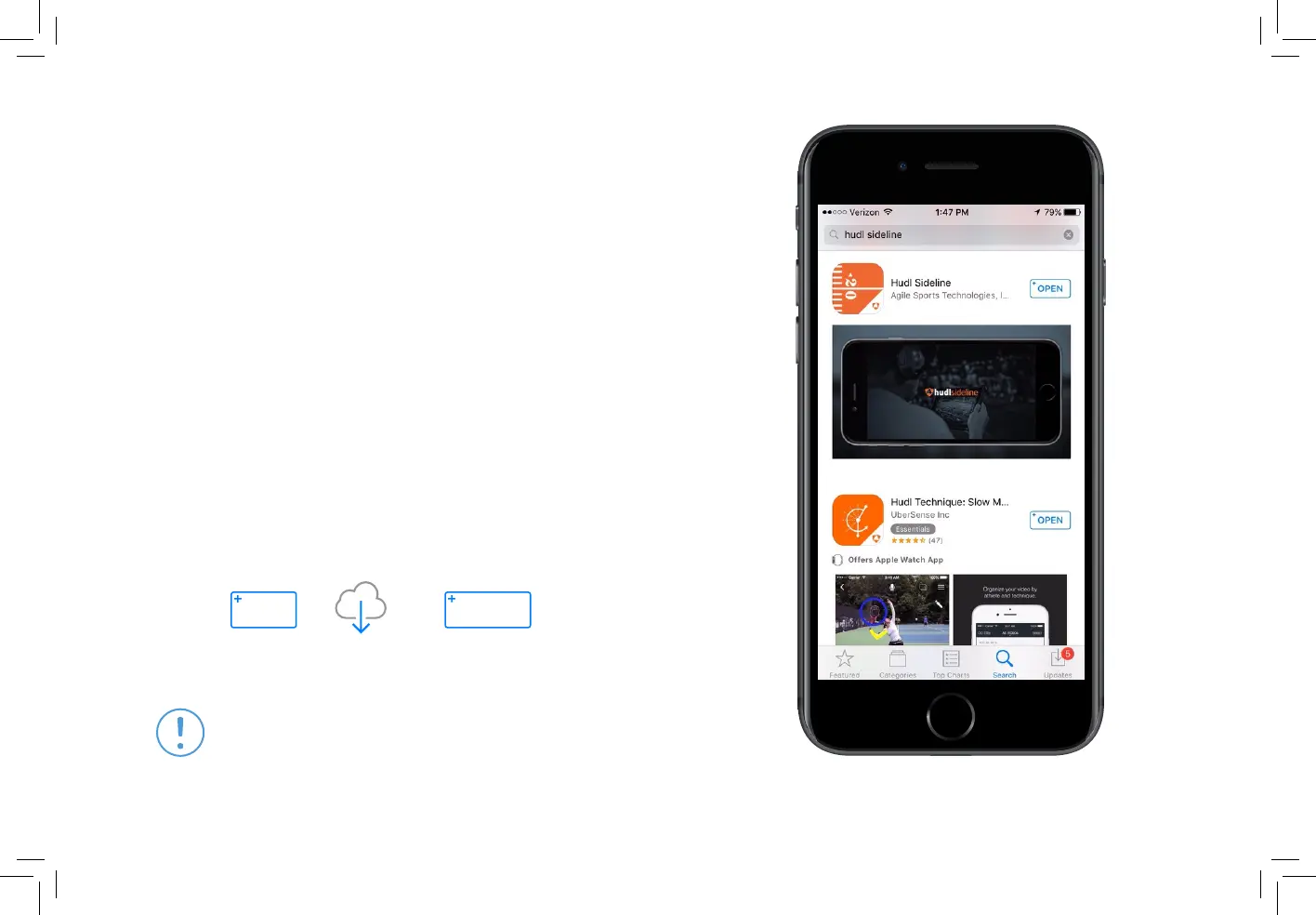
2. Open the App Store and search for Hudl Sideline.
3. Tap
GET
or
then
OPEN
to launch the app.
4. Log in with your Hudl email and password.
Download the Hudl Sideline App
If you already have the Hudl Sideline app,
visit the App Store to check for updates.
What You’ll Need
2 devices (iPhone 6, iPad Pro, Air 2, Mini 4 or newer is required.)


 To Next Page