EasyManua.ls Logo

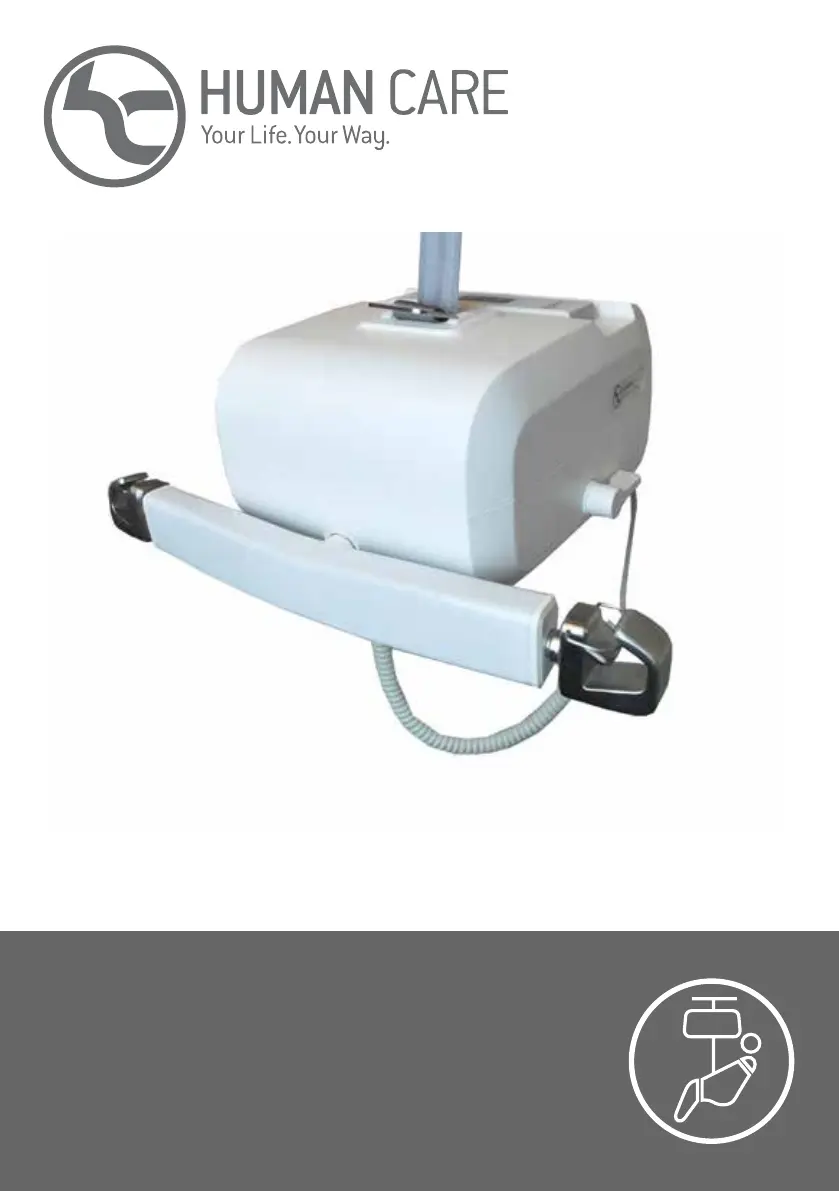
human care Roomer S - User Manual

human care Roomer S
19 pages
Print Icon
To Next Page IconTo Next Page
Loading...
Roomer S
Användarmanual/User manual/ Manuel de
lutilisateur/ Gebruikshandleiding/
Benutzerhandbuch/ Käytohje

Questions and Answers

  • R
    Ronald HuntAug 19, 2025
    What to do if nothing happens when pressing up or down on human care Roomer S?
    • D
      Donald ChaseSep 12, 2025
      If nothing happens when you press the Up or Down button on your Human Care Lifting System, first ensure the mains switch is on. Next, check if the batteries are fully discharged and immediately charge the lift if needed. Finally, verify that the emergency stop is not pushed in; deactivate it by turning the red button clockwise.
  • S
    Sandra CarrAug 21, 2025
    What to do if nothing happens when pressing up or down on human care Roomer S Lifting Systems while charging?
    • S
      Steven JonesAug 21, 2025
      If nothing happens when you press the Up or Down button on your Human Care Lifting System and charging is in progress, interrupt the charging process.
  • J
    John LarsonAug 23, 2025
    Why nothing happens when I press the up or down button on Human Care Lifting Systems?
    • E
      Elizabeth GarciaAug 25, 2025
      If nothing happens when you press the Up or Down button on your Human Care Lifting System, it might be because the lift motor is overheated. Wait a while, and then try again. Alternatively, the lift might be overloaded; in this case, lower it using the emergency lowering button.
  • J
    Jessica StoutAug 26, 2025
    What to do if nothing happens when pressing up or down on Human Care Lifting Systems hand control?
    • D
      Daniel ChristensenAug 26, 2025
      If nothing happens when you press the Up or Down button on the hand control of your Human Care Lifting System, check the hand control itself. If it is defective, it needs to be replaced. Contact a service technician.
  • S
    Samantha StevensAug 27, 2025
    Why is the indicator flashing red on my human care Roomer S Lifting Systems?
    • M
      Mark LopezAug 27, 2025
      If the indicator on your Human Care Lifting System switches from flashing green or yellow to flashing red, it means the batteries need charging. You can still lift the patient a few times, but you should set the lift to charge as soon as possible.
  • R
    Ray MartinAug 29, 2025
    Why does my human care Roomer S go in the wrong direction?
    • R
      Ryan RobertsAug 30, 2025
      If your Human Care Lifting System goes in the wrong direction when you press the Up or Down button, it’s likely that the lever has been turned in the wrong direction. Turn the lever towards the connected belt to correct this.
  • A
    Ashley LeeAug 31, 2025
    How to feed the belt out on human care Roomer S?
    • W
      Willie MillerSep 1, 2025
      If the belt is not fed out when the Human Care Lifting System is on a surface, pull the lift belt upwards while holding the Down button on the hand control or the control panel.
  • J
    Jennifer HessSep 3, 2025
    Why is the indicator on my Human Care Medical Equipment flashing red?
    • K
      Katelyn HallSep 3, 2025
      If the indicator light is flashing red instead of green or yellow, it means the batteries need charging. You can still lift the patient a few times, but you should set the lift to charge as soon as possible.
  • F
    Francis MonroeSep 5, 2025
    What to do if the Human Care Medical Equipment lift motor is overheated?
    • J
      Jason JamesSep 5, 2025
      If nothing happens when you press the Up or Down button and the lift motor is overheated, wait a while, and then try again.
  • D
    dannyadamsSep 7, 2025
    What to do if Human Care Medical Equipment is overloaded?
    • H
      haley49Sep 7, 2025
      If nothing happens when you press the Up or Down button because the lift is overloaded, lower it using the emergency lowering button.

Summary

Safety instructions

Pre-use Checks

Checklist of checks before operating the lift, covering initial setup and readiness.

Important Safety Notes

Key safety directive regarding lifting only one person at a time for user safety.

Hook and Strap Inspection

Visual guide to checking hooks and straps for correct usage and integrity.

Specifications

Product description

Key Components

Identifies and names the main parts of the lift system with numbered labels.

Intended use

Usage Guidelines and Precautions

Rules for correct operation, environmental conditions, and avoiding interference.

Symbols on the unit and product label

Functions

Emergency Operations

Procedures for responding to emergencies like stop and lowering via buttons.

Safety Catch and Overheating

Features that enhance safety and prevent motor damage from overuse.

Hand control

Control Buttons and Speed

Explanation of hand control buttons for lifting/lowering and dual-speed functionality.

Connectivity and Waterproofing

Details on charging/communication ports and maintaining IPX5 rating.

Secondary control panel

Panel Overview and Operation

Description of the secondary panel and its emergency lowering function.

Indicator

Charger

Charging Process and Warnings

How to charge, indicator status, and low battery alerts.

Charger Recommendation

Specifies the recommended charger for the lift by article number.

Detaching the lift from the rail system

Detachment Procedure

Steps to safely disconnect the lift from the rail system.

Important Detachment Warning

Critical warning about lever operation during detachment to prevent falls.

Using the lift

Belt Feeding and Control Warnings

Guidance on feeding the belt and using the lever correctly for safe operation.

Lifting and Patient Setup

Instructions for lifting patients and setting up slings correctly.

Data communication

PC Connectivity and Data Retrieval

How to connect the lift to a PC for data transfer and analysis.

Telescopic hanger bar

Hanger Bar Adjustment and Usage

Instructions for adjusting the telescopic hanger bar and its hooks.

Hanger Bar Safety

Safety precautions when using the telescopic hanger bar during lifts.

Lifting height

Room-to-room transfer

Transfer Feature Overview

Description of the lift's unique room-to-room transfer capability.

Transfer Safety and Procedure

Safety guidelines and step-by-step process for transferring rooms.

Accessories

Slings and Distance Straps

Details on slings for patient support and distance straps for height adjustment.

Scales, 4-point Bar, Freestand, and Cart

Information on scales, 4-point bar, Freestand, and transport cart accessories.

Troubleshooting

Care instructions for the lift and accessories

Lift Care and Inspection Schedule

Guidelines for cleaning, daily, monthly, and annual checks of the lift.

Service, Storage, and Lifespan

Information on service, storage, transport, lifespan, and recycling of the lift.

Guidance and manufacturers declaration

Electromagnetic Emissions Declaration

Manufacturer's declaration regarding electromagnetic emissions compliance.

Electromagnetic Immunity Declaration

Manufacturer's declaration regarding electromagnetic immunity compliance.

human care Roomer S Specifications

General IconGeneral
Brandhuman care
ModelRoomer S
CategoryLifting Systems
LanguageEnglish

Related product manuals