humantouch.com
18
19
ENGLISH
restore stop/park
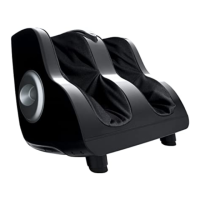
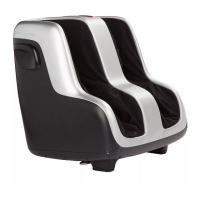
Massage — Press to toggle through
two fixed speeds and two auto foot and
calf massage programs.
Seat (Air Impulse Massage Seat)
— Activates the unique seat massage,
which uses two rows of rapidly inflating/
deflating air bags and a layer of Visco foam
to create a precision seat massage.
Stop/Park — Stops the massage
and parks the massage rollers at
the top of the backrest.
Restore — Returns the
chair to an upright position.
SIDE
Body Position Navigator
Lower Body Massage (Calves, Feet, Seat)
Cancel and Restore
Massage Focus
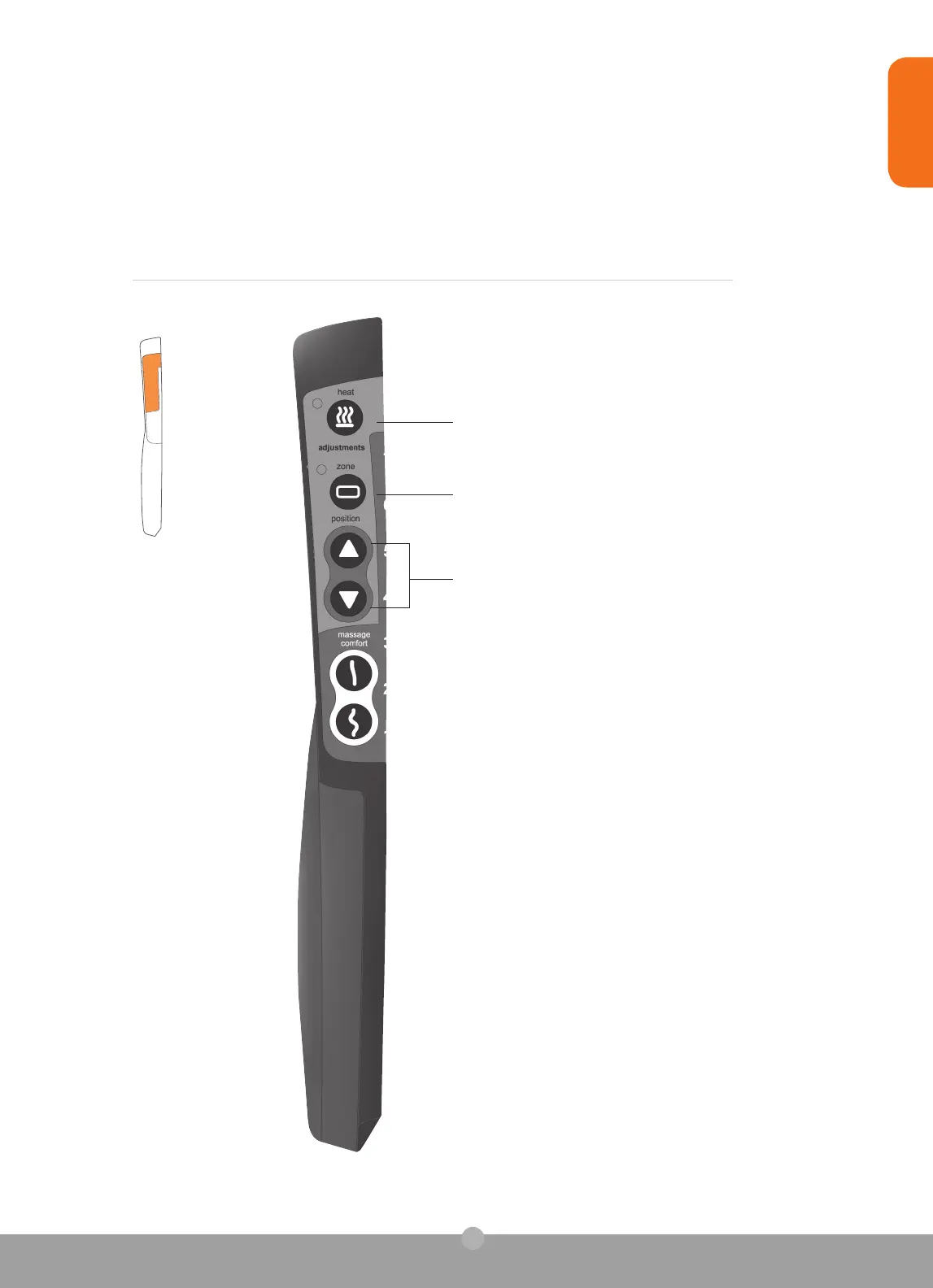
Heat — Slowly heats up the lumbar region of the
backrest to subtly soothe tired lower-back muscles.
Zone — Targets your massage to a three-inch zone.
Use the Position buttons to focus your massage on the
desired area.
Position (up/down arrows) — Use these buttons along
with one of the Manual Massage Modes to focus your
massage on the desired area.
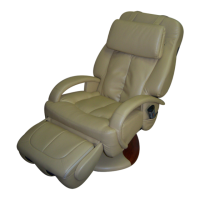
Legs-up — Raises the footrest to the desired height.
Legs-down — Lowers the footrest to a fully retracted position.
Make sure the area behind/underneath the footrest is clear of any
obstructions before retracting the footrest.
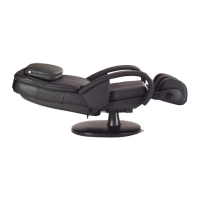
Recline — Reclines the backrest to a horizontal position.
Incline — Raises the backrest to a vertical position.
take control



 To Next Page