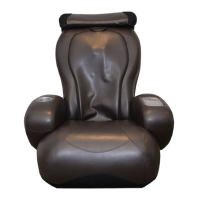
iJoy-250 Troubleshooting Guide 1
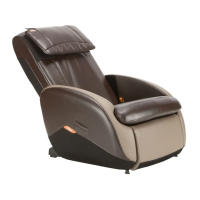
iJoy-250 Troubleshooting
This Troubleshooting Guide walks you step-by-step through the
diagnosis of iJoy-250 customer problems. It is important to follow
these steps carefully, to ensure that the problem is diagnosed
correctly, and therefore the appropriate repair action is taken.
Assembly Issues
Power switch will not turn on
If the power switch cannot be set to On, it is because the Child Safety
lock is set incorrectly. Set the child safety lock on the power panel to
the Unlock position, then turn the power switch to On.
Getting Started
1. Turn the power switch on the back of the chair to Off, wait
approximately five seconds, then turn it back On.
2. Check whether any remote control LEDs light. If not, see "Power"
on page 2.
3. Choose from the following:




 To Next Page