9
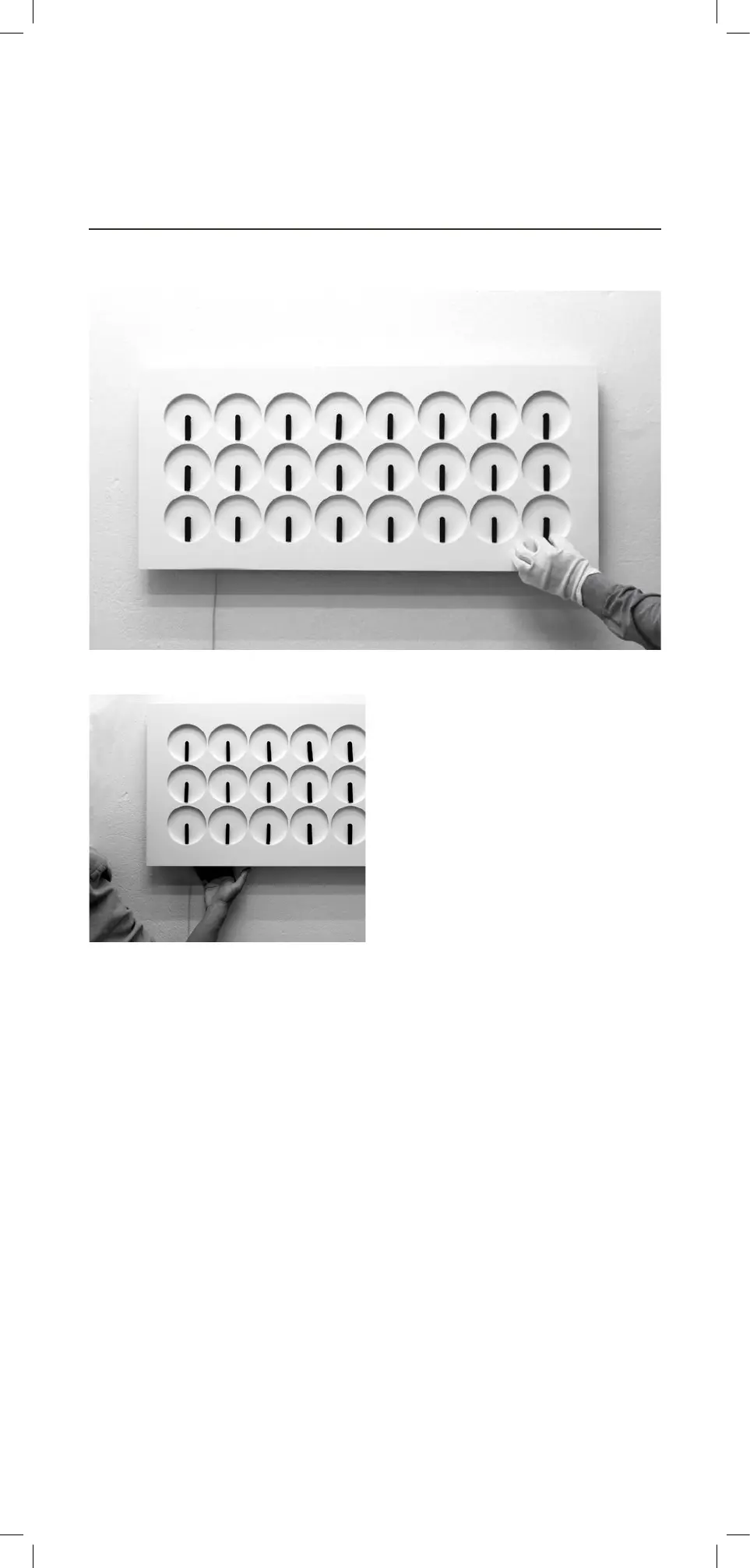
1. Use the provided gloves. Move all
clock-hands manually to position six.
(See image f.)
2. Plug the adapter into the wall socket.
3. To start the clock, press any of the
three buttons on the back of the clock.
You will hear a beeping sound and the
clock hands will start to move and the
time will be set on 12:00.
(See image g.)
Step 3
Starting the Clock
f.
g.



 To Next Page