7
CHAPTER 2 – USING YOUR
SYSTEM
POWERING ON
To start your magnifier, simply press Power
on the left side of the device. The device can
then be held by the sides, just like you would
hold a tablet.
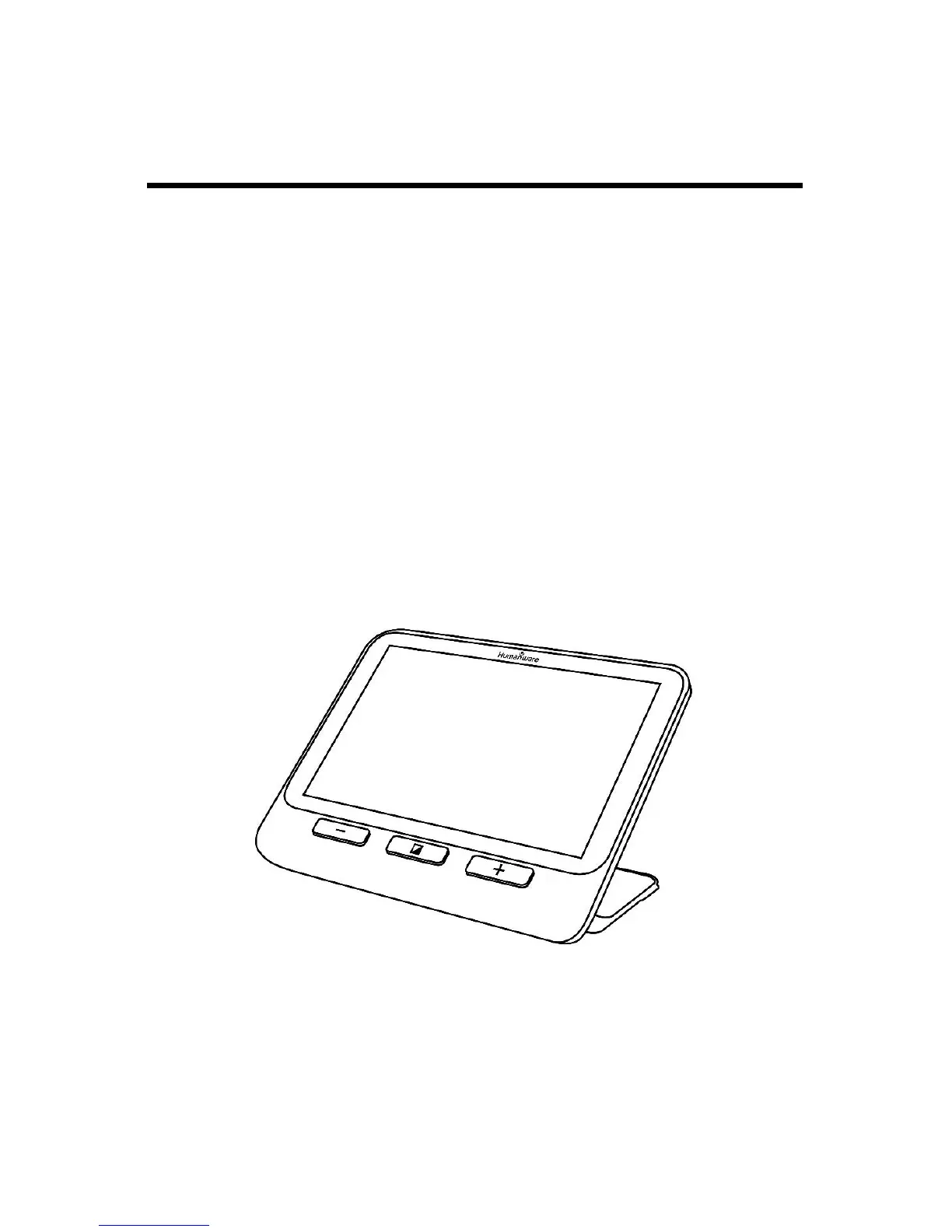
Alternatively, you can turn on your device by
simply unfolding the reading stand behind the
device and placing it over what you wish to
read.
After a few seconds, the explorē 8 screen will
turn on and display the image from the
camera. This is the magnifier mode.



 To Next Page