Searching Points of Interest
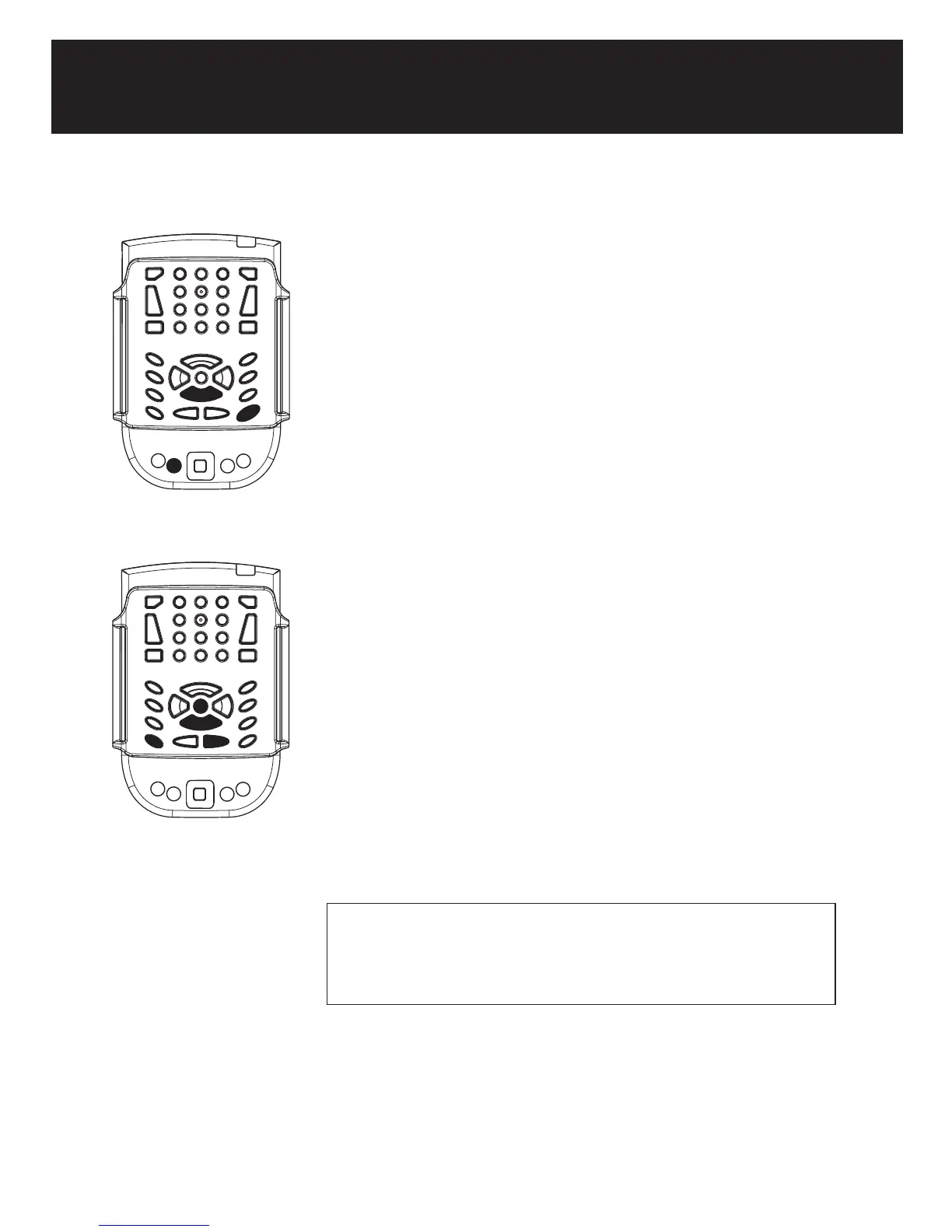
Search Points of Interest information on a segment
1. Press the End button (1a) to display a list of Points of Interest on your
current street segment.
2. Arrow down (2a) to select a point of interest.
3. Press Control+Right Arrow (3a) to hear associated information
In Free mode, Select a POI , then press Enter to be directed to it.
Search Points of Interest by distance
To use this function, you must be online with GPS.
1. From the Trekker Application menu (1), select Point of Interest, and
then Search by distance.
2. Arrow down (2) to select the desired distance.
3. Select Search button or press Enter (3) to search for your POI
You can refine your search by entering criteria such as the name of the
desired POI, the source database or a category (restaurant, ATM,
hospital). Use Tab to navigate to each criteria (4).
TIP: If there are words with special characters or if you are not sure
about the spelling, enter only a few characters, Trekker will search
the database to provide selection lists containing the string entered.
1a
2a
3a
1
2
3
4



 To Next Page