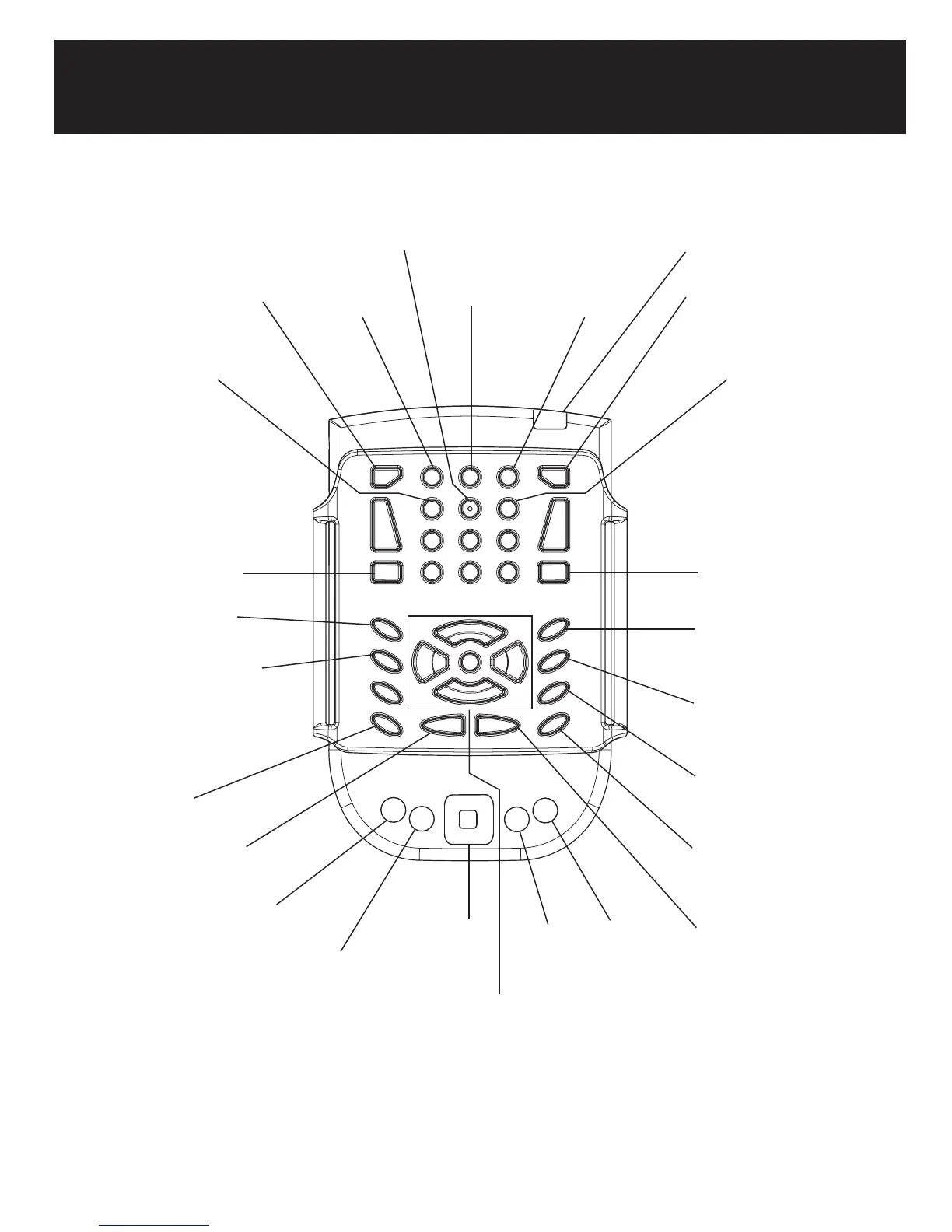
PDA description
Backspace
Speed
Heading
Current city
Delete
Altitude
Latitude and longitude
Number of satellites in view
Spell
Repeat last message
Where am I / Key describer
GPS status and name of active
route, GPS connection
Application menu /
Keyboard mode toggle
Geographical Where am I /
Pedestrian and motorized
mode toggle
Page up: Route information /
Free mode toggle
Page Down: Route activation /
Route creation
End: Points of interests on
segment / browsing toggle
4-way navigation
arrows and Enter
key.
Tab
Shift Tab
Record POI
Escape
Control
Shift
System bar
Key description
ON
Note: Grey functions are activated by pressing and holding the key.



 To Next Page