2
• 2: Navigation element
• 3: Delete
• 4: Back
• 5: Where am I?
• 6: Forward
• 7: Menu, Text-to-Speech Toggle if pressed and held (if more than one TTS)
• 8: Navigation Element
• 9: Text-to-Speech / Recorded audio modes toggle
• Star (*) key: Cancel if pressed, Key pad Lock if pressed and held
• 0: Info if pressed (which file is open, how much time has elapsed, and the
battery status)
Press and hold to turn on Key Describer Mode
• Pound (#) key: Confirm
Left Side
Power/Toggle button turns power on and off. When turned on, the power button
can be pressed again to access a menu to control volume, speed, tone, and pitch.
There are arrows below this button to increase or decrease these settings.
To turn stream off press and hold power button. A beeping sound will be made before
devise shuts off.
Right Side
Earphone and microphone jack and half way down a raised circular Record button.
Top
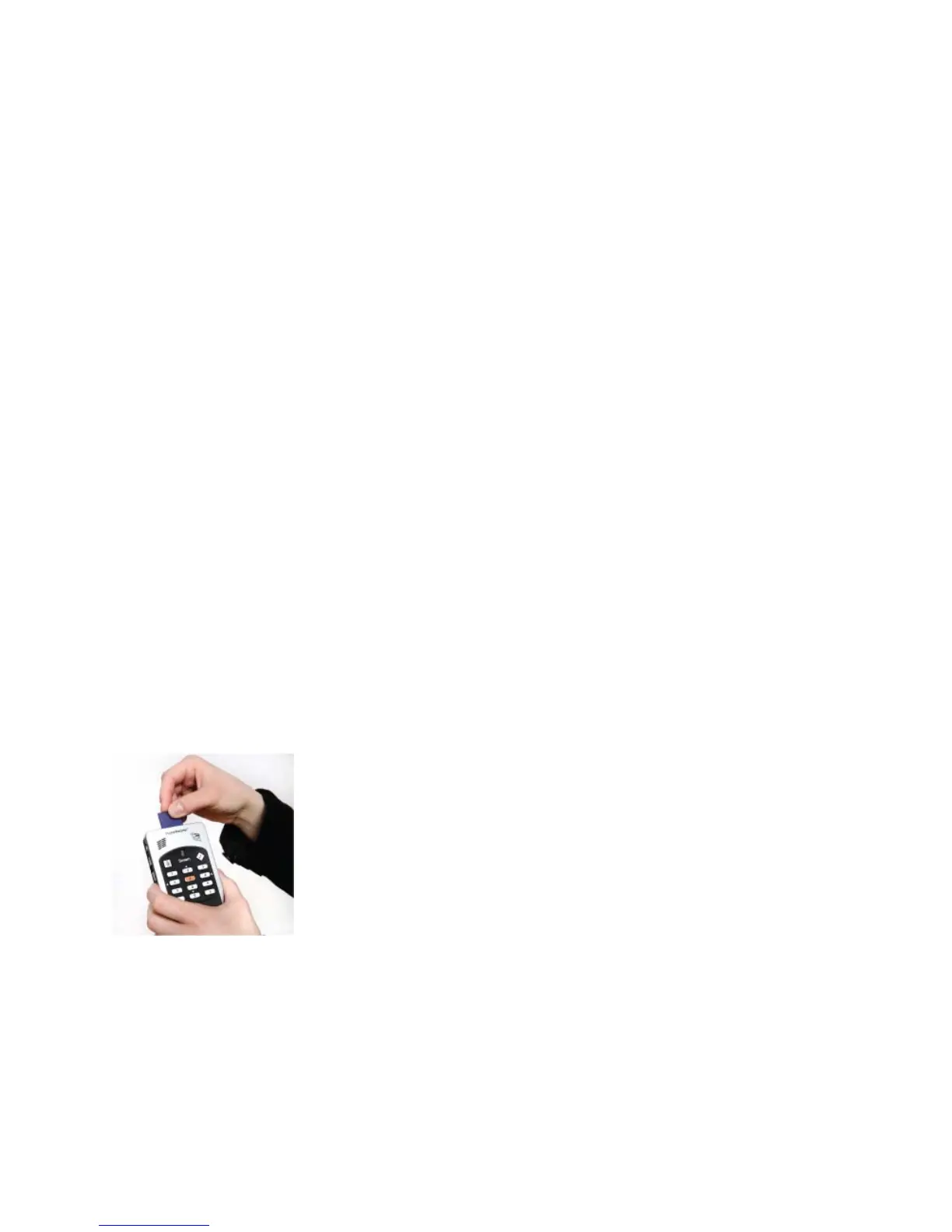
Left corner is USB connector, middle SD memory card slot, right side power input jack.
Back Side
Where battery is held. A fully charged battery offers 15 hours of playtime.
To open battery compartment, press on finger pads and slide door down and off.



 To Next Page
 Loading...