11
?
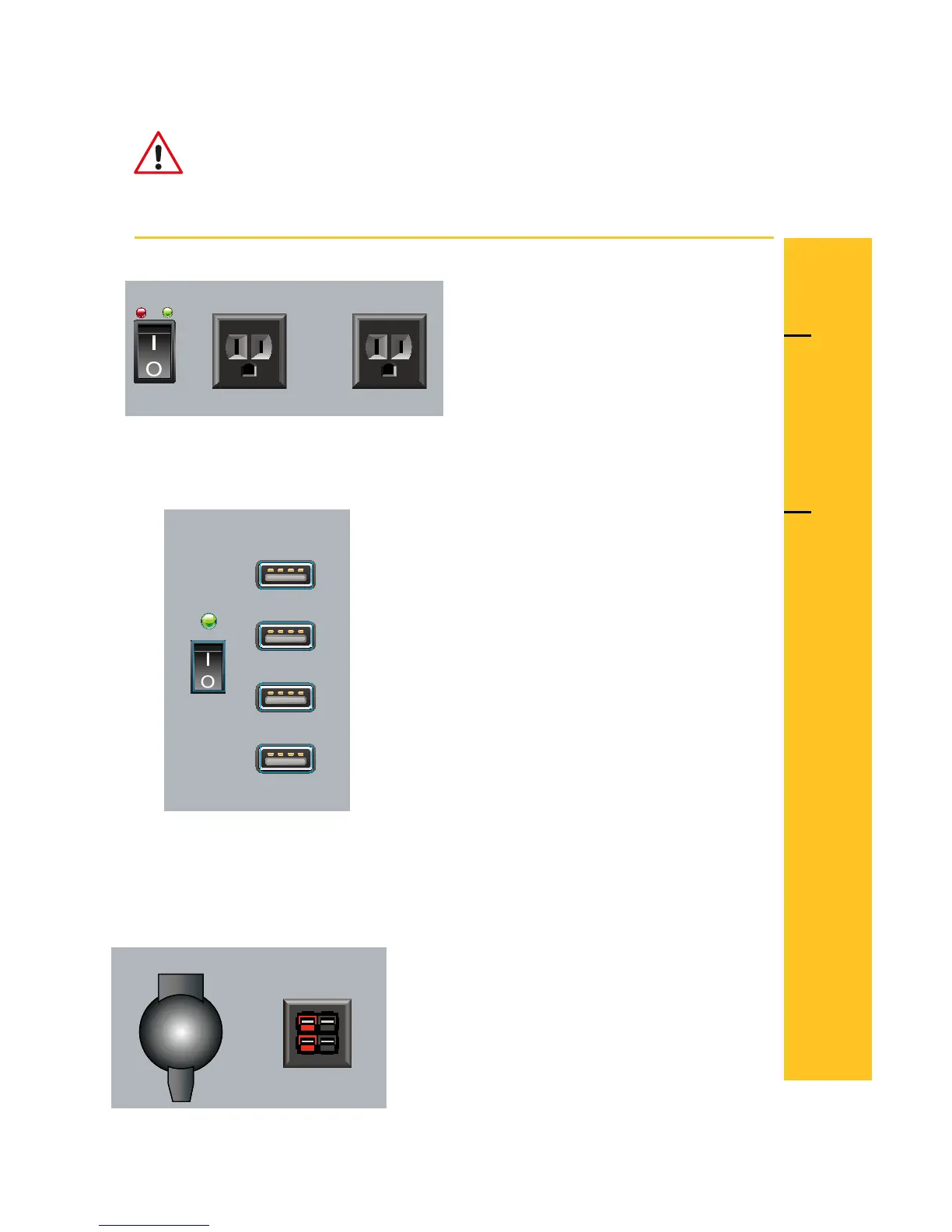
A green light indicates power is
present - normal operation.
A red light indicates fault, low
battery, or overload.
A green light indicates power is
present - normal operation.
Check with your device manufacturer for proper power requirements
and compatibility.
Check with your device manufacturer for proper power requirements
and compatibility.
There is no light indicator for these ports.
4 USB Outlets
DC Outlets
AC Usage Outlets
Electrical Shock can occur if AC power cord is damaged or frayed.
Never use a damaged or frayed AC power cord.
Replace with a new cord before proceeding with AC charging.
WARNING
humless.com
Switch 1
120 V 1000 W max. 120 V 1000 W max.
Outlet A Outlet B
AC OUTPUTS
Switch 2
Outlet C
Outlet D
Outlet E
Outlet F
USB OUTPUTS
12 V 10 A max.
12 V 25 A max.
Outlet G
Outlet H
DC OUTPUTS
P
O
W
E
R
O
U
T
L
E
T



 To Next Page