2-
8
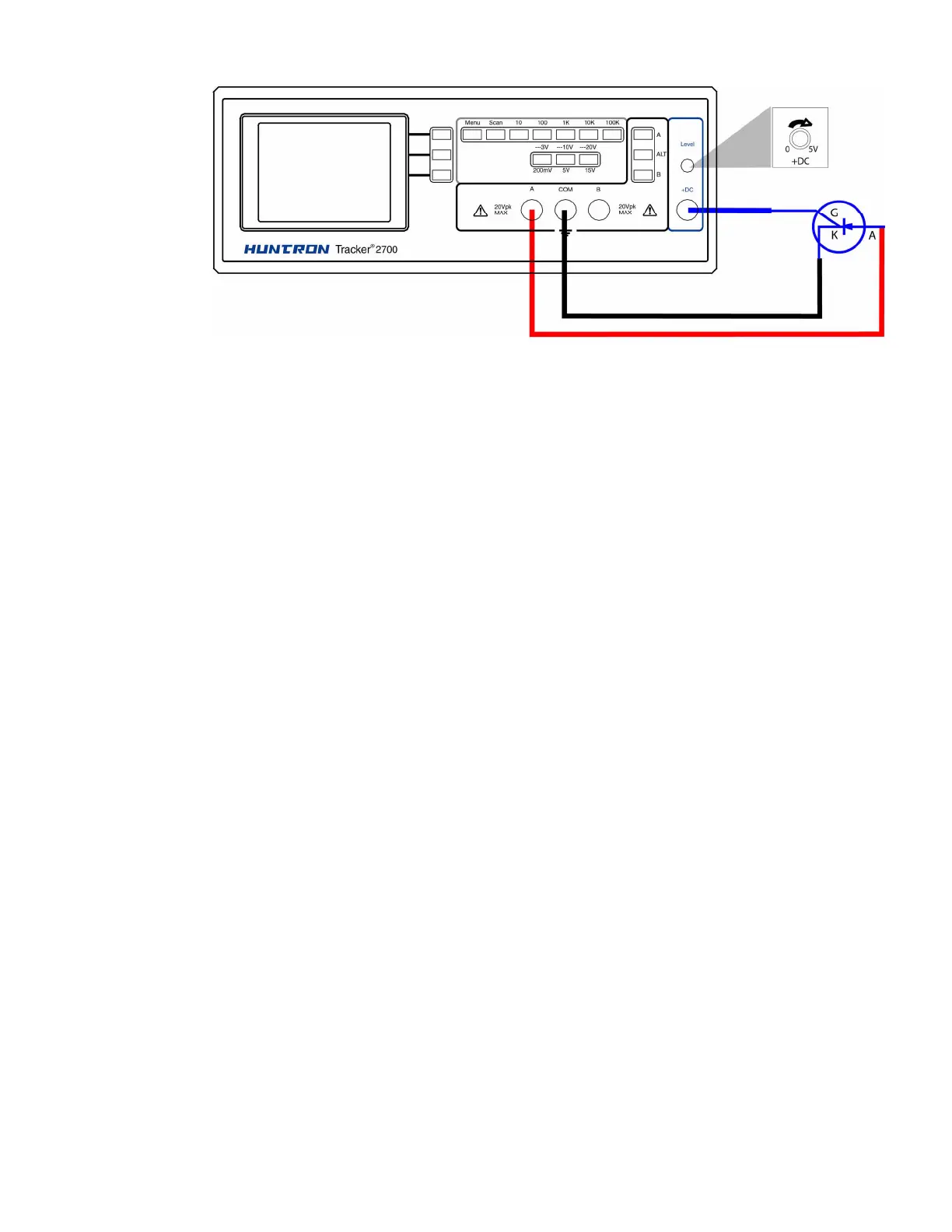
Figure 2-5. Tracker 2700 DC Source Typical Setup.
The DC Voltage Source output is set using the DC Level control. The level control varies the
magnitude of output amplitude from zero to + 5 volts. The corresponding DC level will be
displayed on the LCD.
2-16. Scanning with a Tracker 2700S
The Tracker 2700S is a scanning version of the Tracker 2700. It can automatically scan and
compare up to 40 pins using standard IDC connections on the front panel. Figure 2-6 shows a
typical Tracker 2700S configuration using standard DIP clips.



 To Next Page