8 HIS-5000 5X User Guide --------------------------------------------------------------------------
4. System Installation
4.1. Software Installation
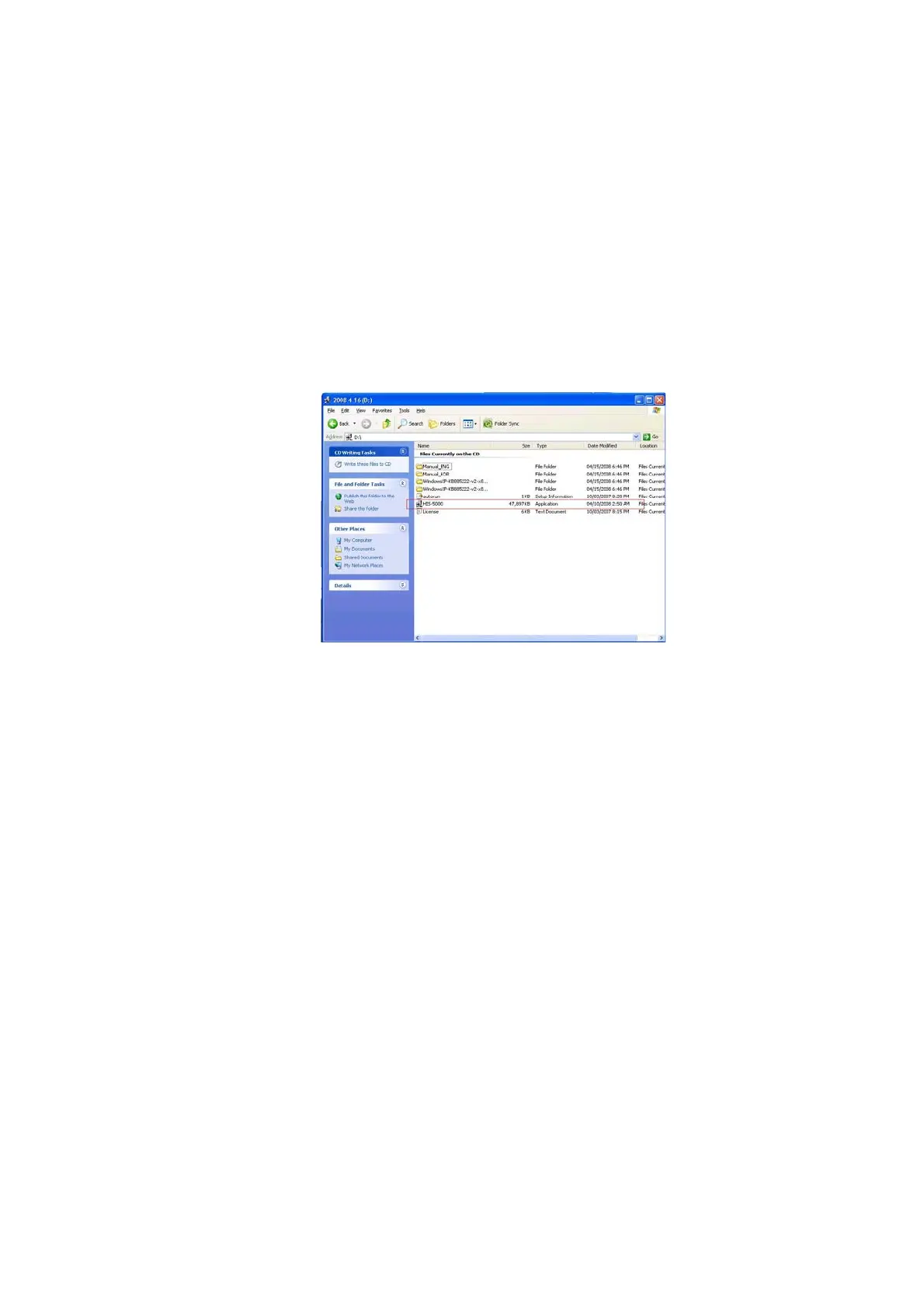
Step 1. Running Setup Program
When HIS-5000 5X installation CD is ins
erted into CD-ROM, setup program
starts automatically by auto-run. If it doesn’t work or is installing from local or
network drive, manually run HIS-5000 5X.exe in folder by double click.


 To Next Page