OPERATOR MANUAL
VLF34E Connection to PC Application
Insert Xstick (green USB Thing) into USB port on your PC
Install the xstick drivers, USB stick (red has HVINC Logo) with unit if asked for
drivers
Copy VLF-34E PC App exe file to your PC (it’s on the red USB stick)
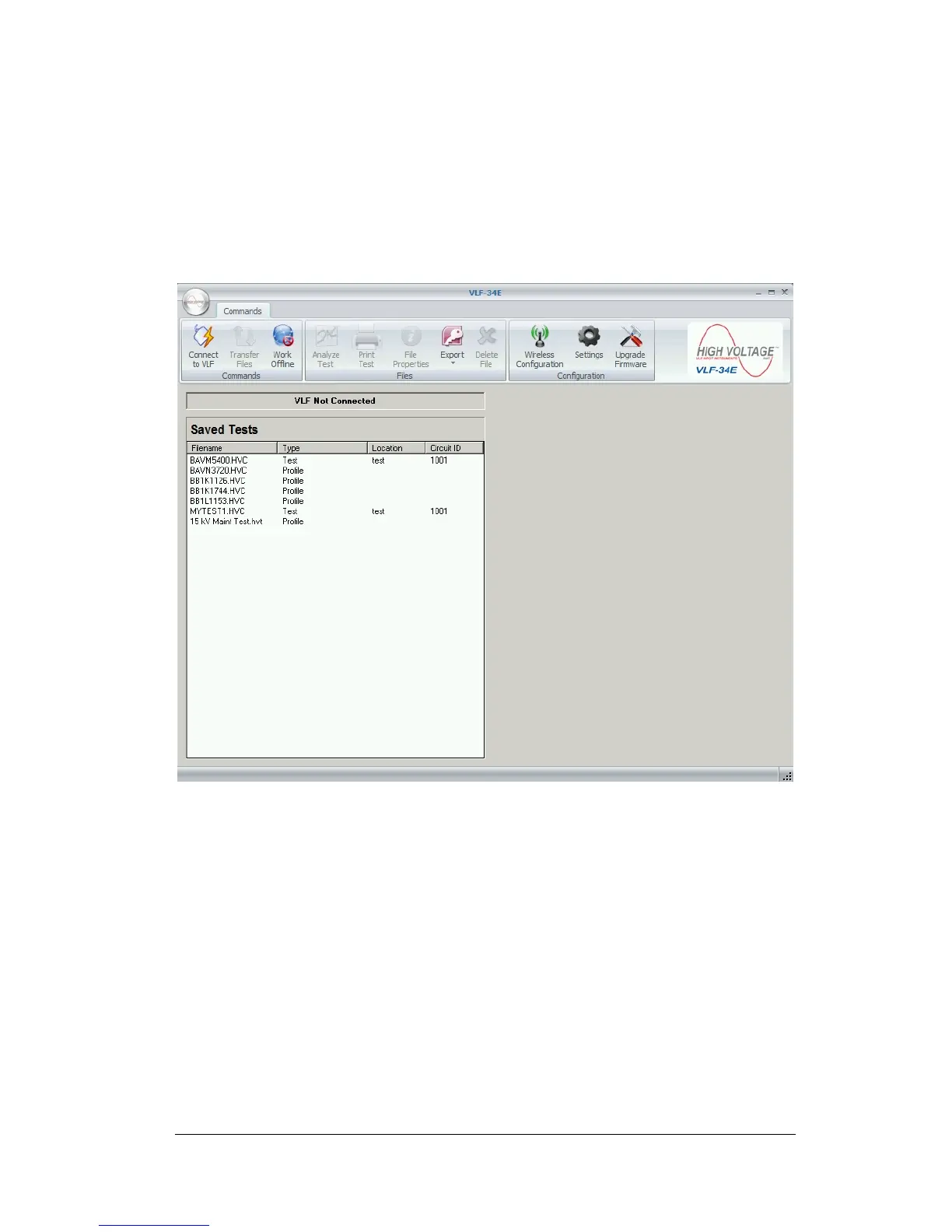
Open VLF-34E PC Application
Click Wireless Configuration Button


 To Next Page