D. DURING CONVERSATION
14
D.04 Call Transfer
Call Transfer is to send a call from one Extension to another. There are three types of
Transfer: Direct, Indirect, and voice-announced. For Direct Transfer, the sending
Extension transfers the call and hangs up; for Indirect Transfer, the sending Extension
rings a selected Extension and waits until the call is answered, then transfers the call; for
voice-announced, the sending Extension informs the selected Extension through Speaker by
the paging function.
Transfer an outside call:
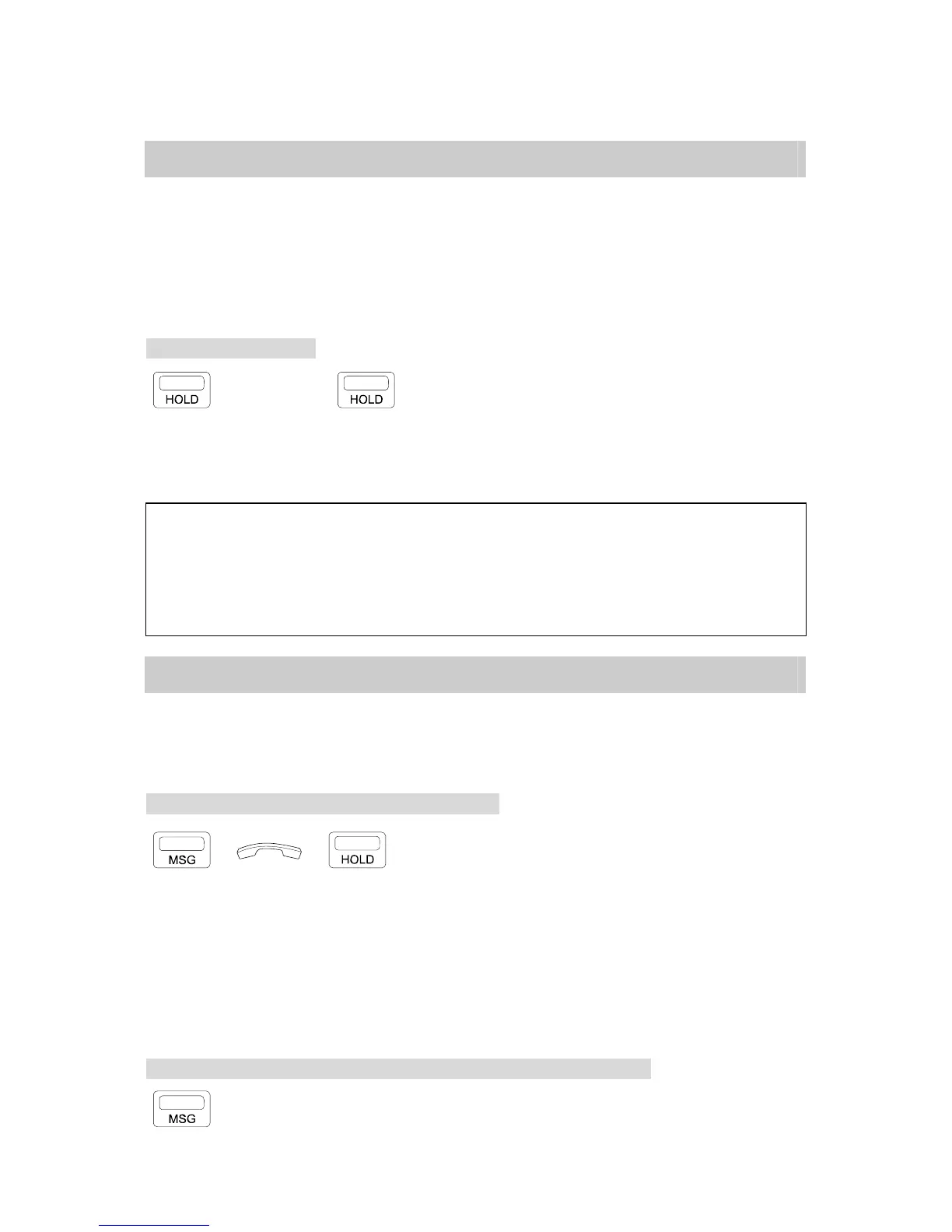
→ EXT.No. → . Press [HOLD] key.
. Dial the selected Ext. number.
. Press [TRF/FL] key directly for Direct Transfer;
press [TRF/FL] after the selected Ext. answers for
Indirect Transfer.
NOTE: 1. When a programmed DSS key is pressed, the call automatically goes on hold and dials the
Extension number programmed for the DSS key.
2. Transfer Recall: If the selected Extension is busy, the transferred call will ring when the busy
Extension is free. If the transferred call is not answered after a programmed duration, the call will
ring back the sending Extension.
3. To transfer the call again or to another party, press the blinking CO key to retrieve the call and
repeat the Call Transfer procedure.
D.05 Answer Call Waiting
As described in B.01 Call Waiting, you are absent or your Extension is busy when another
Extension uses the Call Waiting feature to wait for your answer, the LED of your [MSG] key
flashes slowly.
Your Extension busy: end / hold the previous call:
→ →
. The LED of the [MSG] key flashes, informing you someone is waiting.
. Terminate the previous call by hanging up / press [SPK] or hold the previous call and
then hang up to wait.
* The waiting Extension will receive a Call Waiting Ring when you stop the previous call.
Once the waiting caller answers the Ring, your telephone then rings.
* If the Handset of the waiting Extension is off hook, or its Speaker is on, your Extension
will ring directly after you hang up.
Your Extension idle when someone leaves a Message at your Extension
. Press the [MSG] key for ringing the waiting Extension.


 To Next Page
 Loading...