D. DURING CONVERSATION
13
Conference with 1 internal party and 1 outside party:
<=A → → <=B →
. In conversation with an outside / internal call.
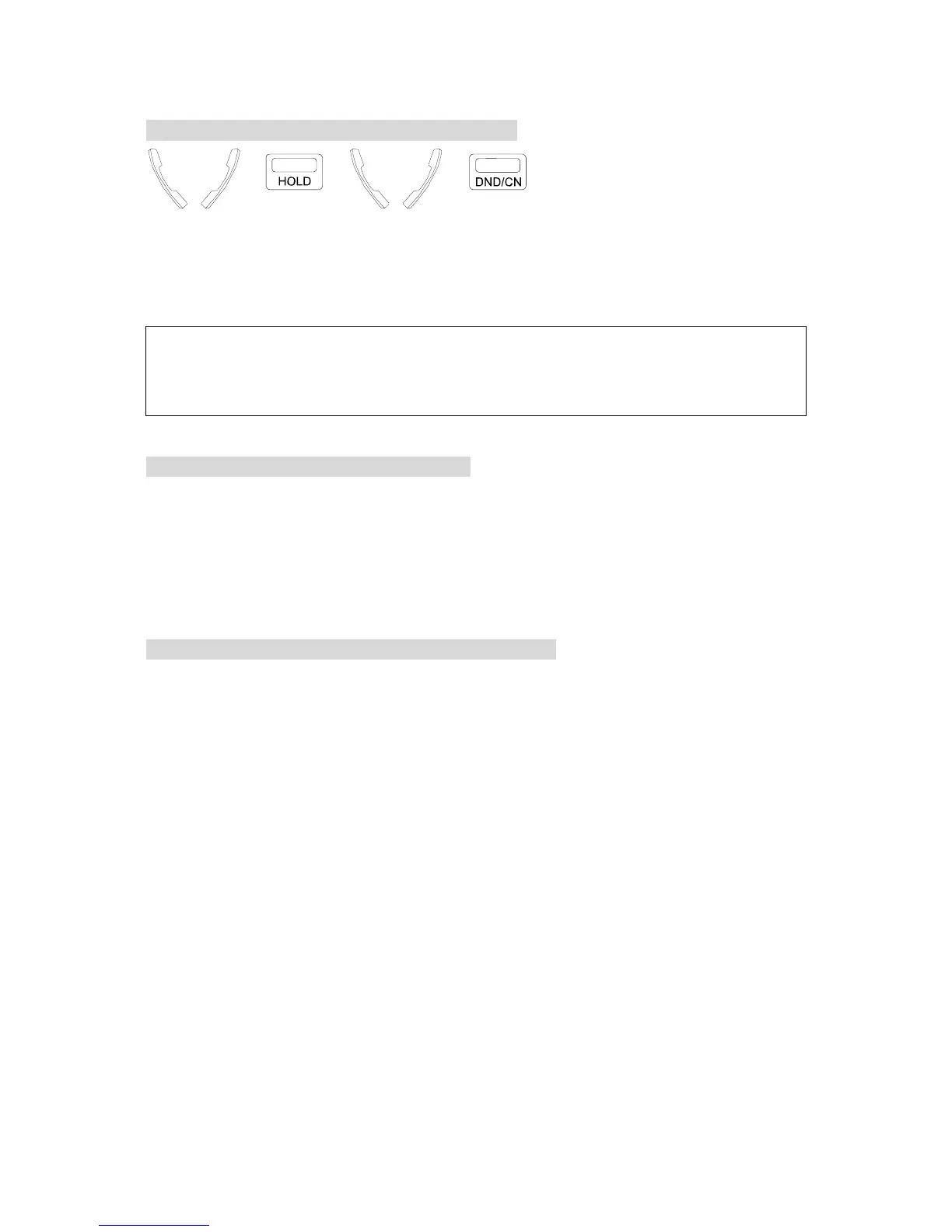
. Press [HOLD] key to hold the call.
. Make another internal / outside call.
. Press [DND/CN] when the 2nd answers, all three
parties are connected.
NOTE: 1. To return to the first call if the second call is not answered, press the blinking CO key ( outside
call ) or the called Ext. No. (intercom) to retrieve the held party.
2. When connecting 1 outside party and 1 internal party, after one of the three parties has hung up, the
other two parties can still converse with each other.
To Remove A Party From A Conference Call:
z During the conference, press the CO line of the party you would like to disconnect.
z You will be connected to this line and removed from the conference. Other parties will
continue in the conference.
z Disconnect the other party by hanging up.
z To return to the original conference, simply lift the handset and press the conference key.
To Confer With Members Privately In A Conference Call:
z During the conference, press the CO line of the party you would like to confer with. Other
members will continue in the conference.
z To return to the original conference, simply press the conference key.


 To Next Page
 Loading...