Using FM Radio:
1. Press and hold power button until Hex turns on.
2. Press Mode button until you hear "FM".
3. Press the
buttons to find your desired station.
4. Press and hold the V+/V- buttons to get the desired volume.
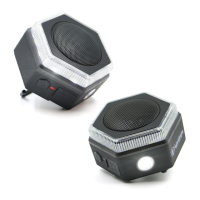
Using the Hex Lighting:
1. Press the large power button once to turn on the lantern on.
a. Press and hold the power button on the first click to
adjust the brightness.
b. Continue holding the power button and after 7
seconds the lantern will start to blink.
2. Press the power button a second time consecutively for
the Flashlight to turn on.
Large Power Button
Using Micro SD Card:
1. Insert micro SD card that has MP3 music on it into the "Micro SD Slot".
2. Power on the Hex.
3. Press Mode button until you reach Micro SD mode.
4. Press the
buttons to navigate through the songs.
5. Press and hold the V+/V- buttons to get the desired volume.
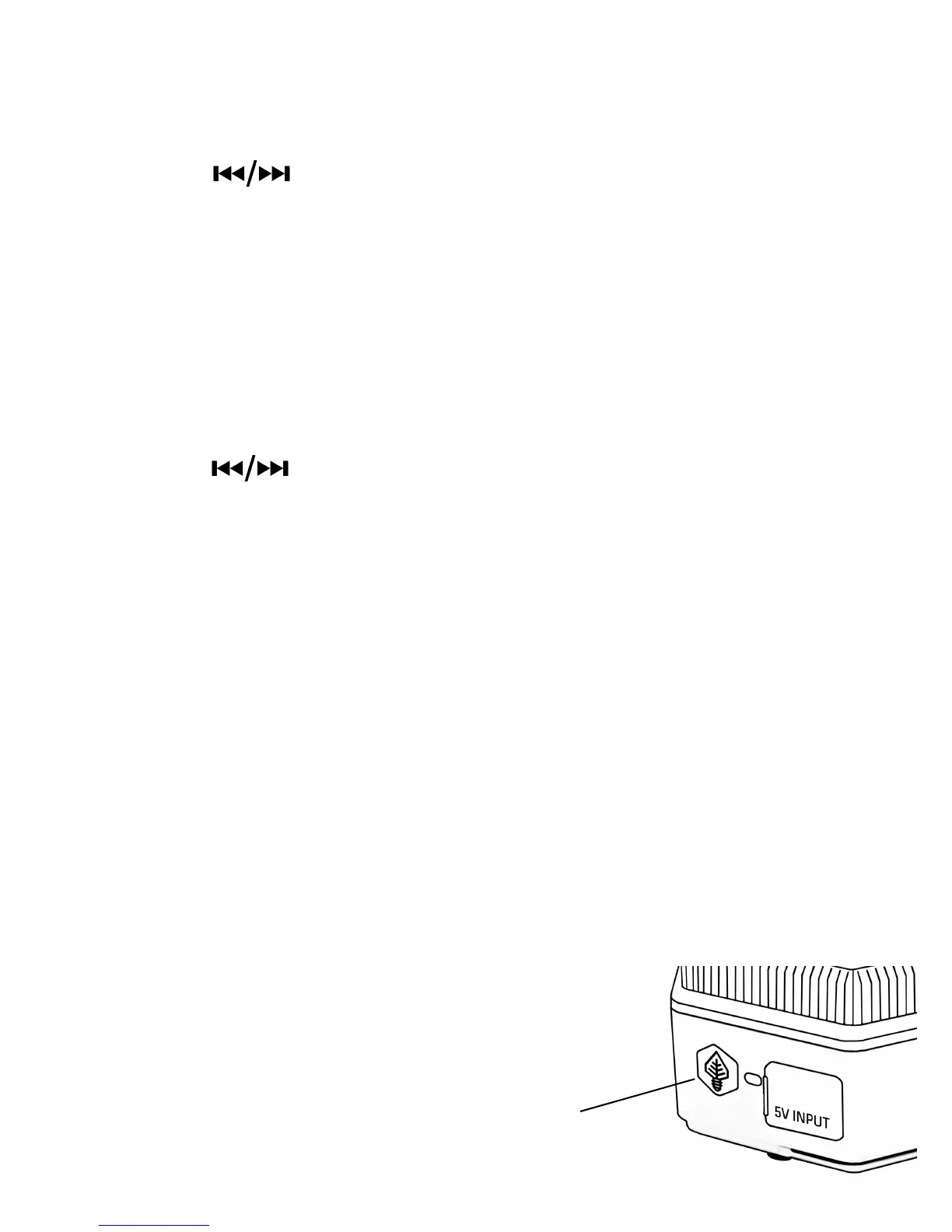
Charge mobile devices using Hex:
1. Lift rubber cap from the charging outlet.
2. Plug the cable into the USB Port. Plug the other end into your
mobile device.


 To Previous Page
 Loading...