EasyManua.ls Logo

Hygiena INCUBATOR - User Manual

Hygiena INCUBATOR
16 pages
Print Icon
To Next Page IconTo Next Page
Loading...
Operation Manual
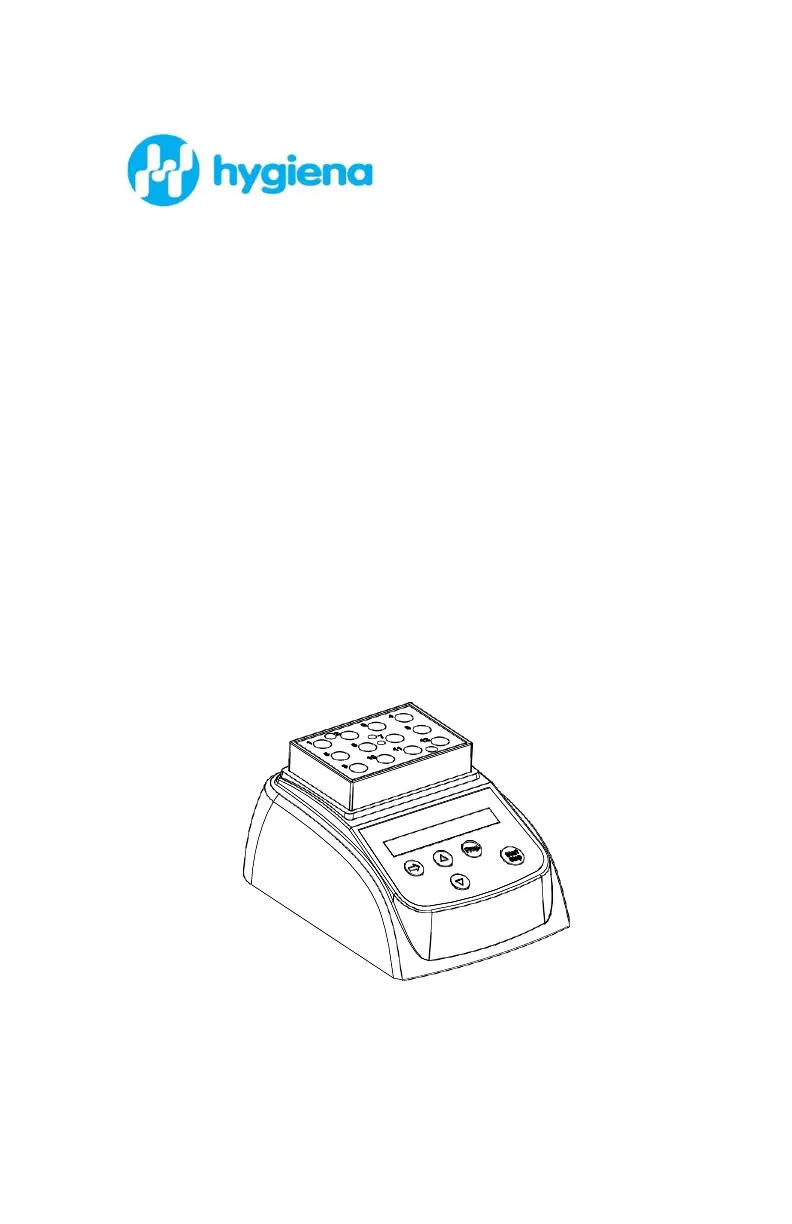
Small Format Digital Dry
Block Incubator
Catalog No. INCUBATOR
Rev. C. April 2016

Questions and Answers

  • W
    whitejoseAug 4, 2025
    What to do if my Hygiena INCUBATOR display is blank?
    • J
      Justin RobertsonAug 4, 2025
      If your Hygiena Accessories display is not showing anything, it could be due to a missing main power connection or a power failure. Ensure the main cable is securely plugged in on both ends and check the fuse.
  • M
    Michelle MontgomeryAug 8, 2025
    How to troubleshoot no display on Hygiena Laboratory Equipment?
    • J
      Jonathan AndradeAug 8, 2025
      If your Hygiena Laboratory Equipment has no display, it could be due to a missing main power connection or a power failure. Ensure the mains cable is securely plugged in on both ends and inspect the mains fuse.
  • J
    Jason EdwardsAug 13, 2025
    Why is the block not heating on my Hygiena Laboratory Equipment?
    • J
      Jeanette RiveraAug 13, 2025
      If the block of your Hygiena Laboratory Equipment isn't heating, it might be due to heater failure. Contact service.
  • D
    David GardnerAug 19, 2025
    What to do if the Hygiena Laboratory Equipment shows 'press invalid'?
    • S
      Sarah MartinAug 19, 2025
      If you are getting an 'invalid press' error on your Hygiena Laboratory Equipment, this indicates a keyboard failure. Contact service.
  • T
    Terry DavisAug 25, 2025
    What does “OPEN” in the display with the alarm of “du...” mean on Hygiena Laboratory Equipment?
    • J
      Joshua BradyAug 25, 2025
      If your Hygiena Laboratory Equipment displays “OPEN” with the alarm of “du...”, this indicates a broken sensor or loose contact of the module. Contact service.
  • G
    George GallowayAug 29, 2025
    What does “SHO” in the display with the alarm of “du...” mean on Hygiena Laboratory Equipment?
    • J
      Jessica GillAug 29, 2025
      If the Hygiena Laboratory Equipment displays “SHO” with the alarm of “du...”, it means the sensor is short. Contact service.

Summary

Opening Check

Introduction

Whats in the box?

Lists all items included with the incubator package.

Incubator Diagram

Visual representation of the incubator's main components and their labels.

Setup and Installation

Step-by-step guide for placing and connecting the incubator to power.

Technical Specifications

Safety Precautions

Operation Guide

Control Keys Overview

Explanation of the purpose and function of each button on the control panel.

Creating Custom Programs

Detailed steps for programming custom temperature and time settings.

Timer Unit Selection

How to configure the timer to use minutes or seconds for timing.

Running and Stopping Programs

Instructions on initiating, executing, and terminating incubation programs.

Temperature Calibration Procedure

Guides through the process of calibrating the incubator's temperature for accurate readings.

Maintenance and Cleaning

Troubleshooting Instrument Errors

Appendix

Wiring Diagram

Presents a schematic diagram illustrating the electrical connections of the incubator.

Hygiena INCUBATOR Specifications

General IconGeneral
BrandHygiena
ModelINCUBATOR
CategoryAccessories
LanguageEnglish