I
4. Battery Charging
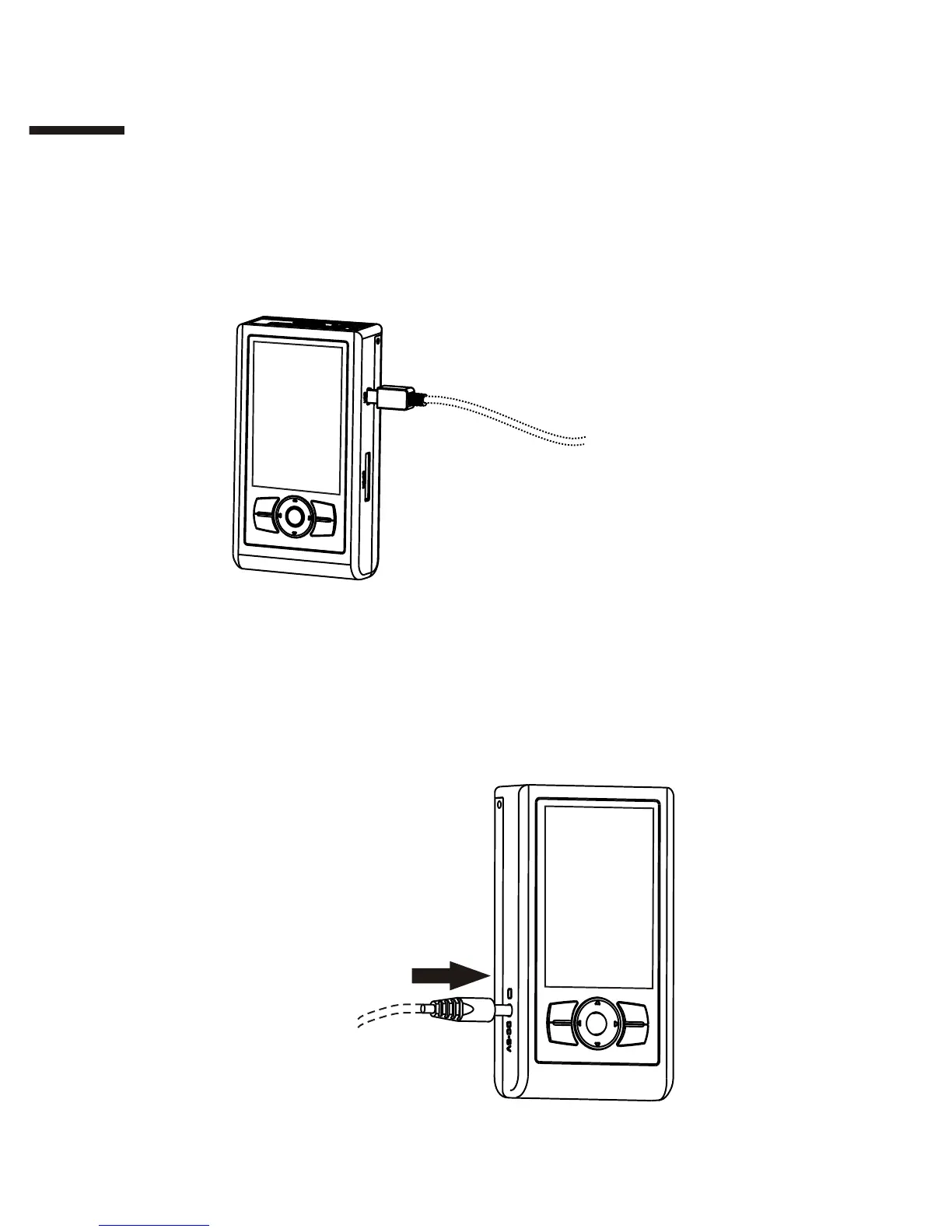
Charging the battery with a USB cable:
Power the device off and connect it to a USB power supply (e.g. car
charger) or USB port on your computer with a USB cable. Do not connect
to a desktop computer frontal USB port or via a USB hub as they may not
supply sufficient power.
Charging the battery with the provided AC power adapter:
Power off the device and connect it to a wall socket with the provided AC
power adapter. If adapters other than those from the original
manufacturer are used, ensure that the output power conforms to the
requirements. Refer to "Appendix A" for more information.
8



 To Next Page