3. Hard Drive Installation
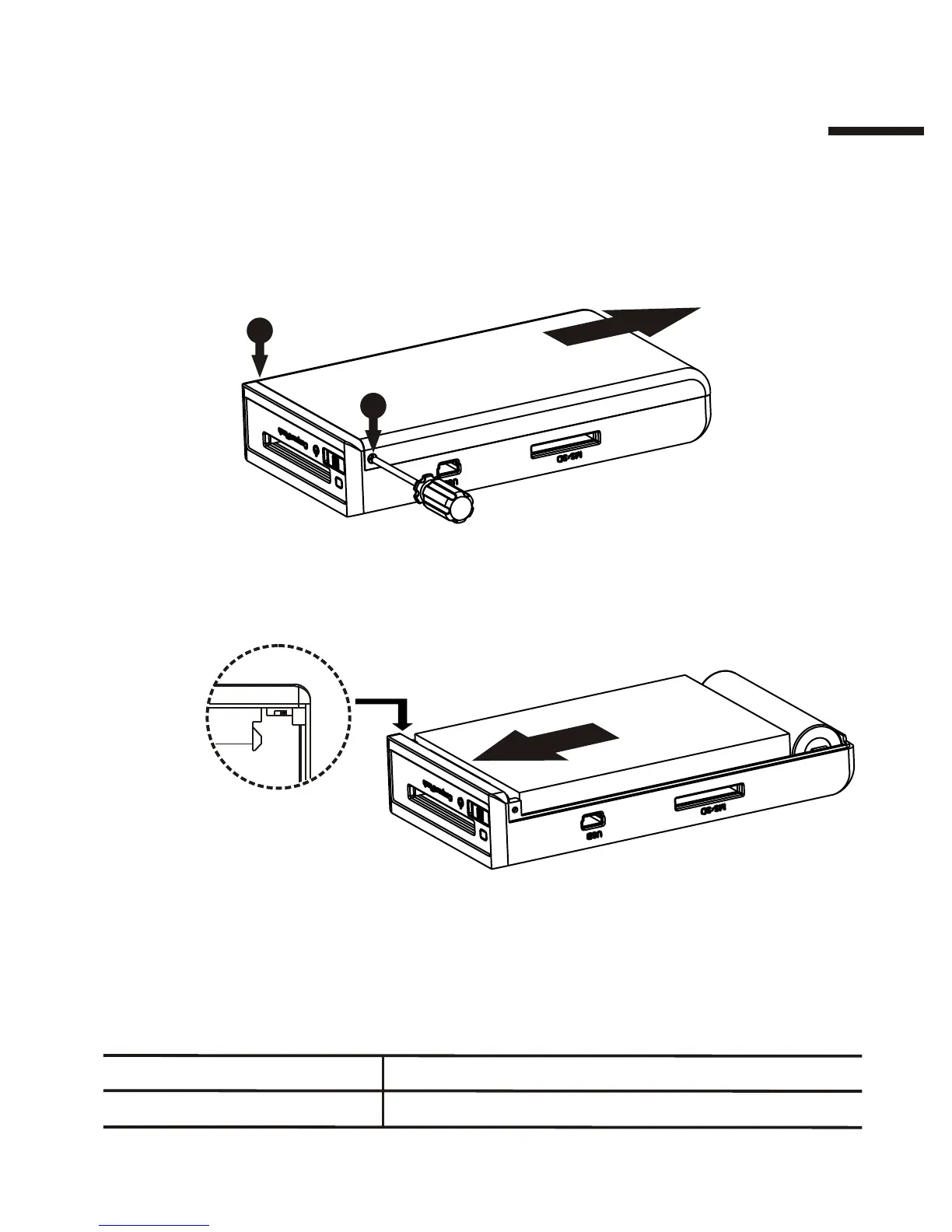
Removing the back cover:
Remove the two retaining screws (as illustrated below) with the provided
screwdriver. Slide the back cover in the direction of the arrow.
Installing a hard drive:
Push the hard drive firmly into the SATA hard drive socket as illustrated:
1
2
Back
Back
I
SSC jumper:
The SSC (spread spectrum clocking) jumper matches SATA signals
between the hard drive and the onboard controller. Depending on your
hard drive, you may or may not need to configure it. Refer to
"Troubleshooting.”
SSCPosition
Disabled
Enabled
Left
Right
SSC Jumper
7



 To Next Page