1. Browser
The built-in photo browser allows you to browse your digital
images without using a computer.
Starting the photo browser:
Select <Browser> under <Photo> on the main menu.
Selecting folders to browse:
Select a folder you wish to browse in the Folder Selection window.
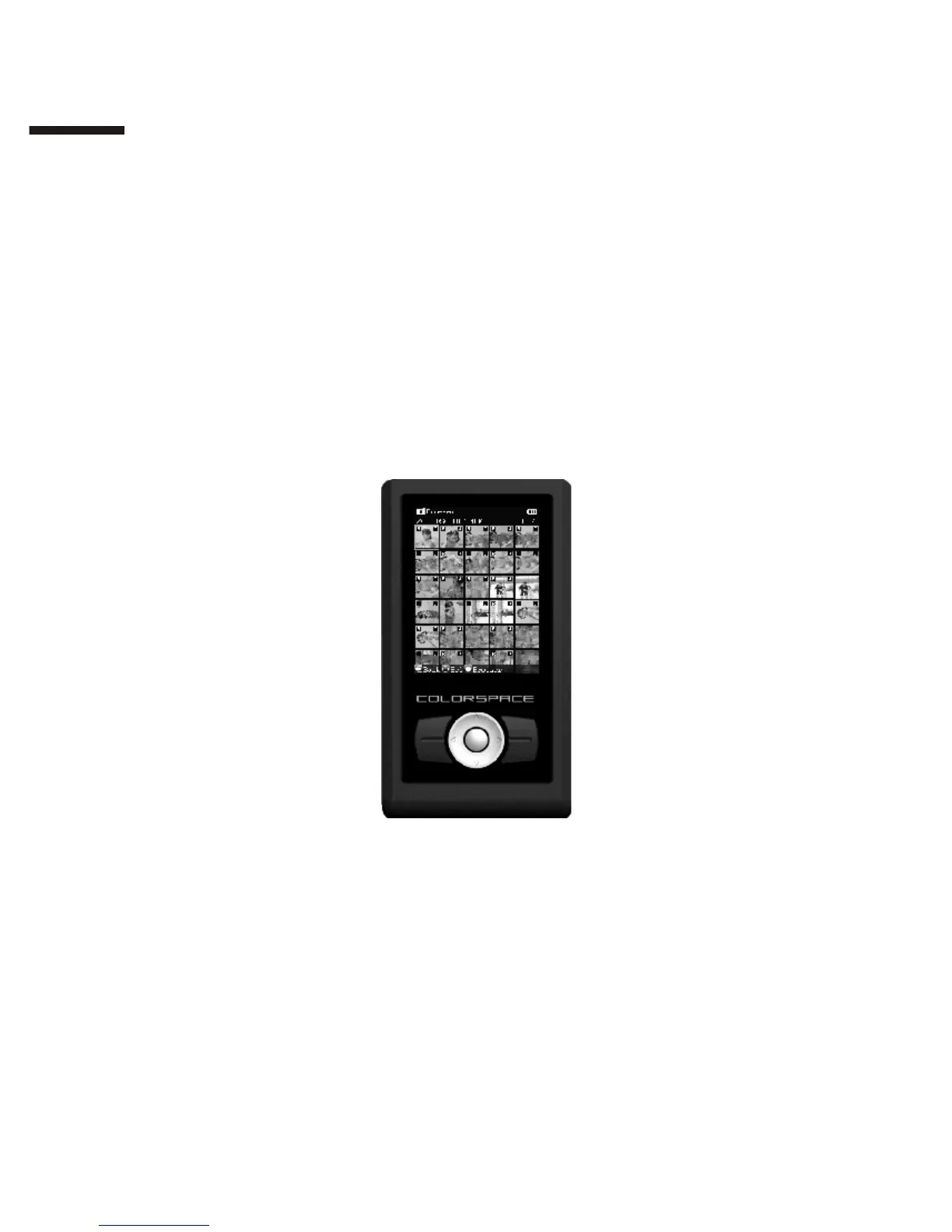
Picture Wall:
COLORSPACE will display photos in the selected folder horizontally as
thumbnails. Change the highlighted photo with the directional pad.
“R” and “J” marks:
R: The photo contains RAW format data.
J: The photo contains JPEG format data.
Changing thumbnail size:
In the Photo Wall, use the【Zoom In】 and 【Zoom Out】 buttons to
change the size of the thumbnails.
II
1 2



 To Next Page