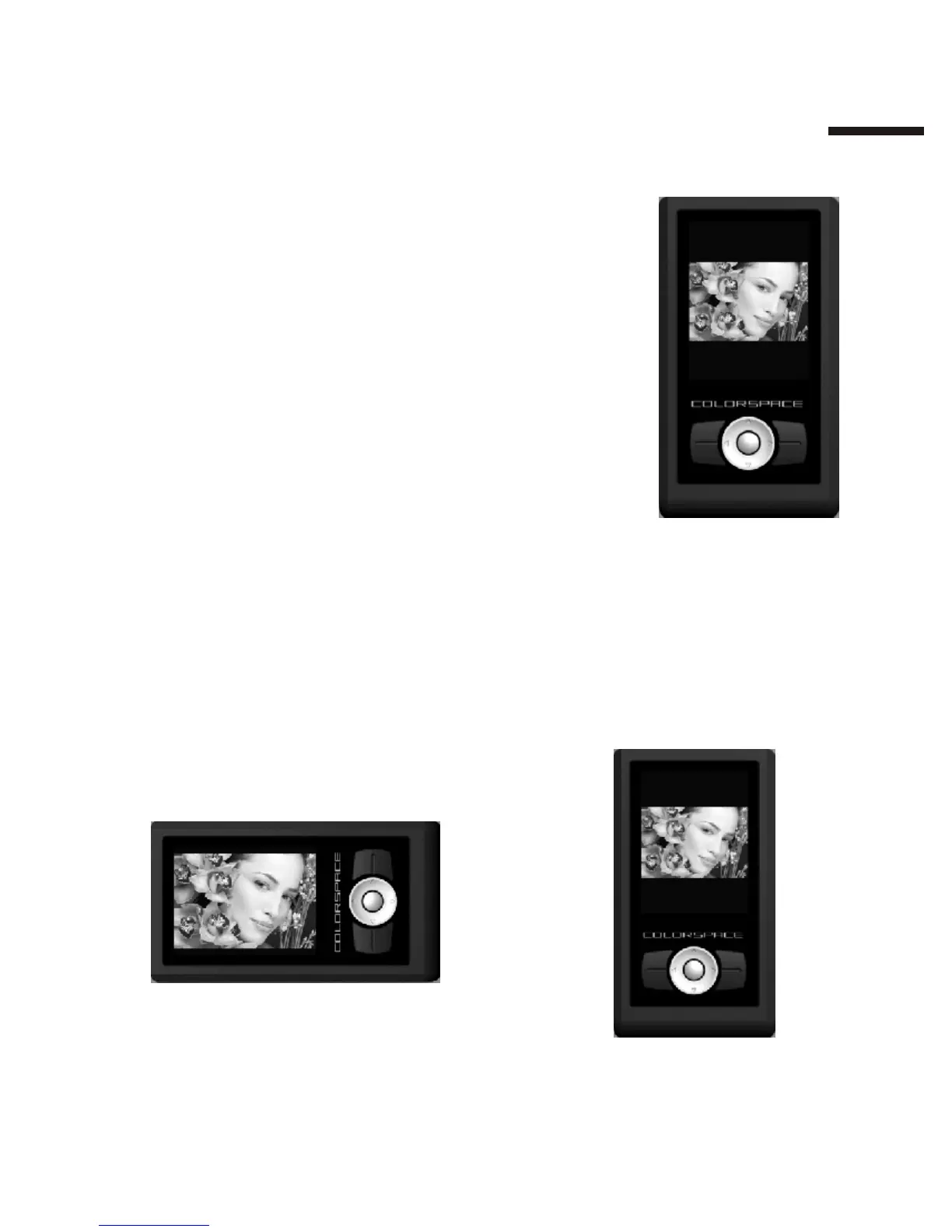
Viewing photos full-screen:In the Photo
Wall, highlight a picture and press【Ok】.
Navigating photos:
【Direction】 button Left: the previous photo
【Direction】 button Right: the next photo
Rotating a photo:
Every time you press the 【Ok】 button, the photo will rotate 90 degrees
and automatically adjust to fit the screen.
II
1 3



 To Next Page