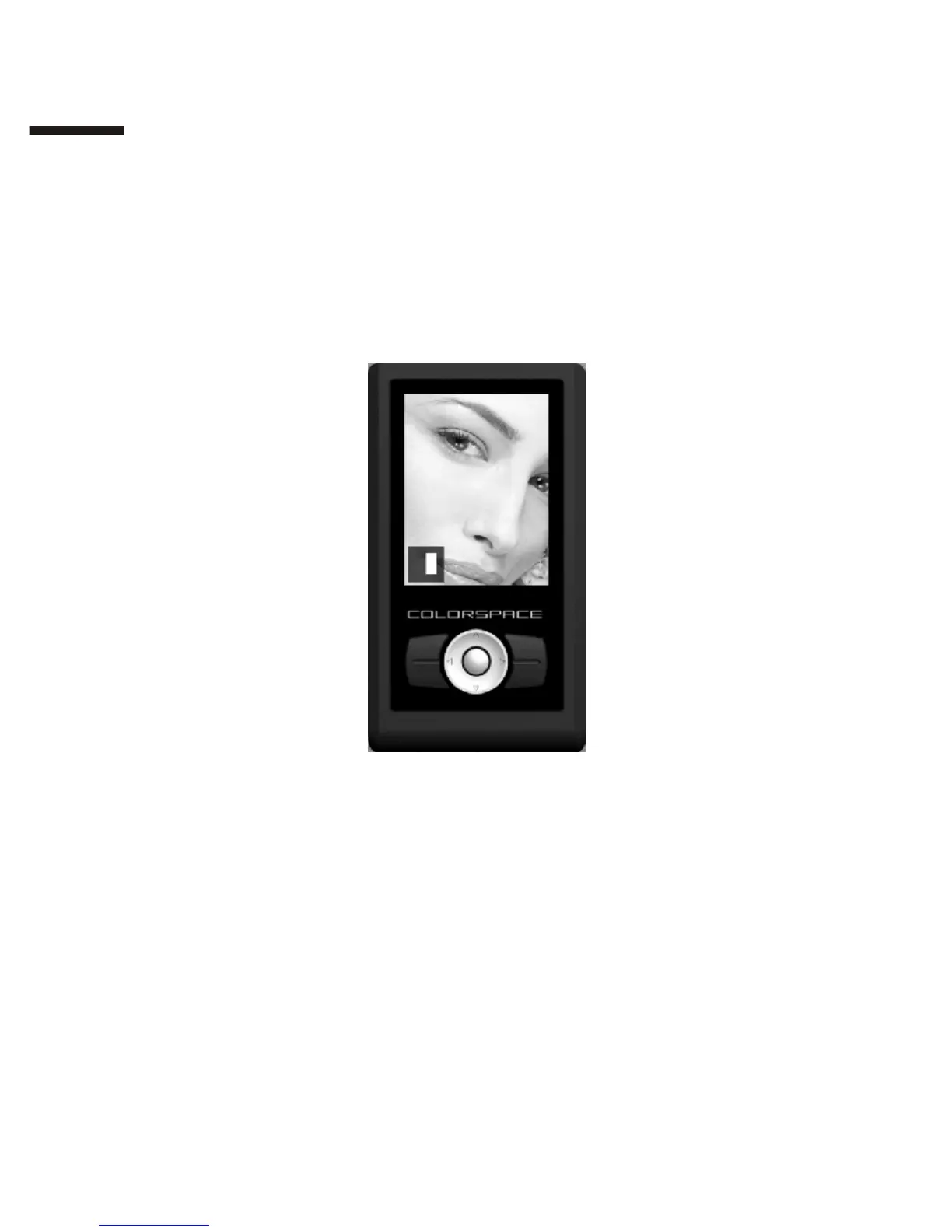
Changing photo display area:
Use the directional pad to move and change the display area of an
enlarged photo.
Zooming in/out of the photo:
Press 【Zoom In】to zoom in and 【Zoom Out】to zoom out. You can
zoom in 1:8, 1:4 and 1:1. To fit the photo to screen, press 【Zoom Out】
repeatedly or press 【Exit】once.
II
1 4



 To Next Page