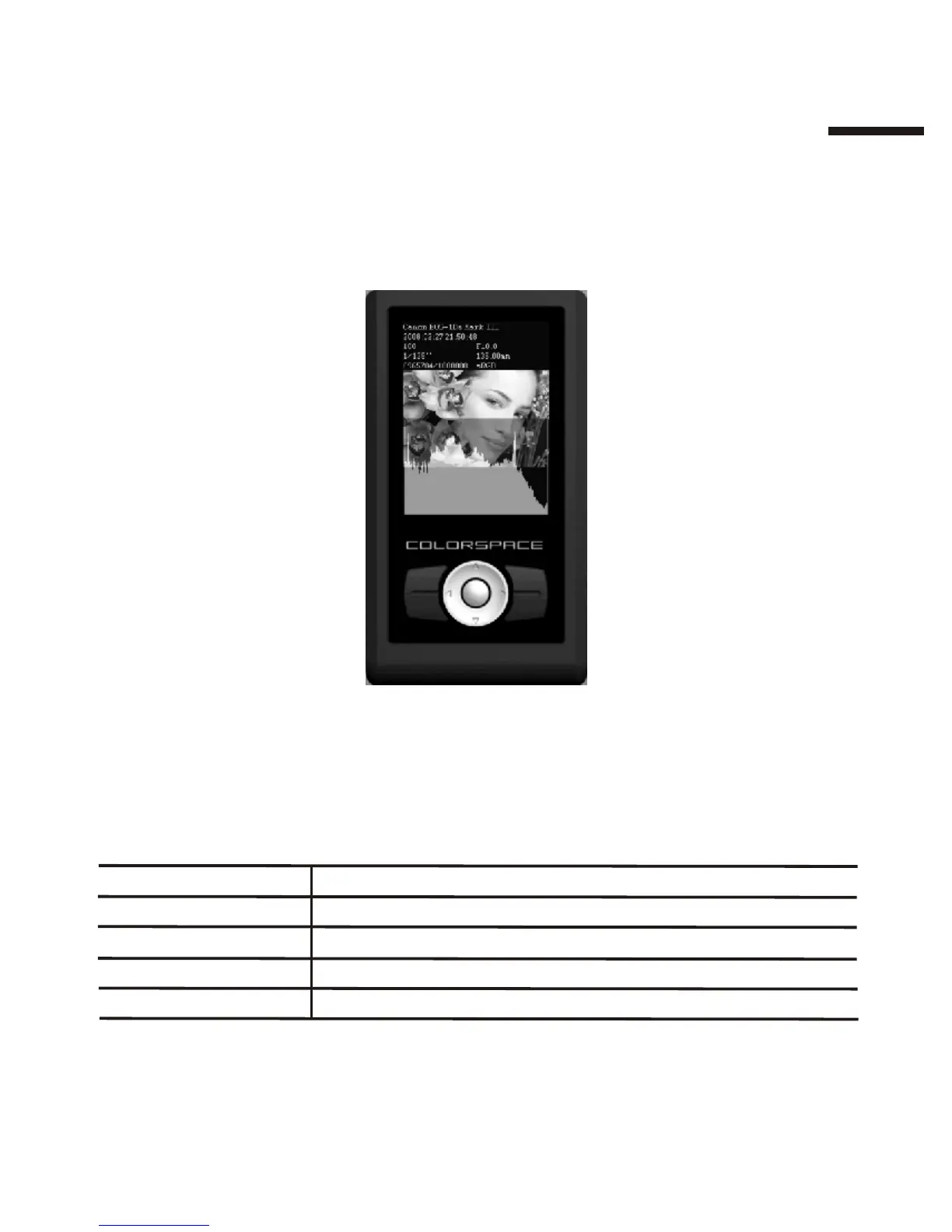
Displaying photo brief EXIF information:
While viewing a photo full-screen, press Up on the directional pad to open
and close the EXIF brief, or press【Menu】and select <EXIF >[ <Brief>.
Displaying photo histogram:
While viewing a photo full-screen, press【Menu】and select
<Histogram>[
Press Down on the directional pad to toggle (open/close) the histogram
display.
Function
Display red component histogram
Display green component histogram
Select
Red
Green
Display blue component histogram
Blue
Display photo luminance (brightness) histogram
Lum
Display no histogramClose
II
1 5



 To Next Page