2. Search
COLORSPACE allows you to quickly search and browse
photos by EXIF date.
Searching for photos:
1. If you wish to search a memory card, insert it.
2. Select <Photo>[ <Search>.
3. Select what you wish to search: the hard drive or a memory card.
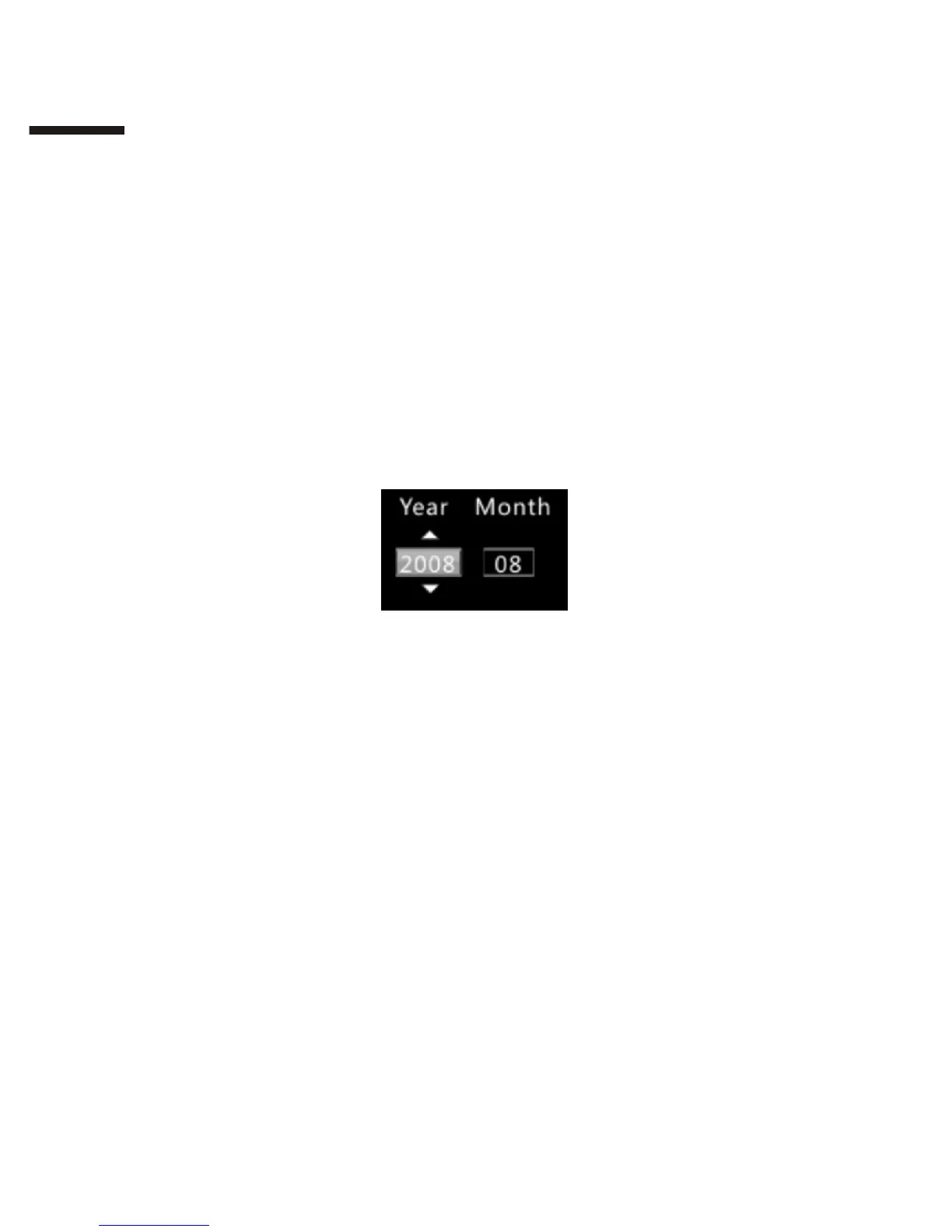
4. Use the directional pad to input a year and month.
5. Press 【Ok】to search for photos from said year and month.
6. Press 【Exit】to cancel the search.
7. After the search is complete, press 【Ok】 to browse the photos
retrieved.
II
1 6



 To Next Page