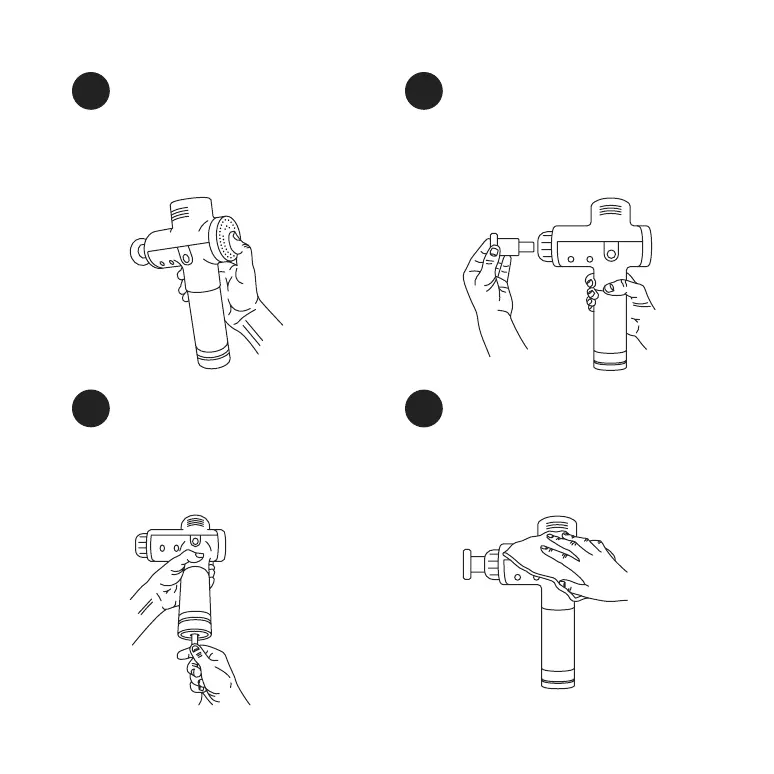
Changing attachments
Choose desired head attachment and insert
directly into the shaft / opening while pushing
firmly. Fork attachment? Align the "groove" on
the fork with the recess on the shaft / opening
and push firmly.
4Adjust speeds
Choose your desired speed (1-3) by pressing
the speed setting button once per speed.
The blue lights above the speed setting
button will indicate the current speed.
3
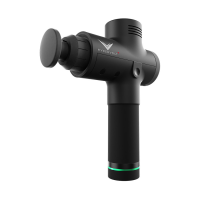
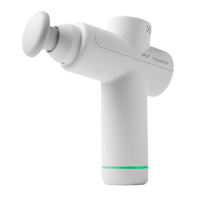
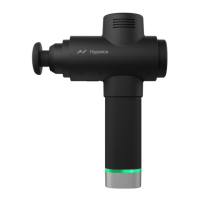
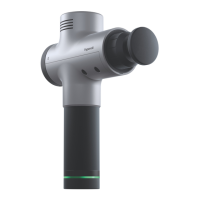
Caring for your Hypervolt
Use a damp, clean, cloth and gently wipe your
Hypervolt. Make sure the power is OFF and
the battery charger is not attached. Store in
a clean, cool place when not in use.
5 Recharging
Only use the provided Hyperice wall charger
to uphold warranty. Full charge is indicated
when the LED “band” on the handle stops
flashing and becomes solid green.
6


 To Next Page