Adjusting
temperature
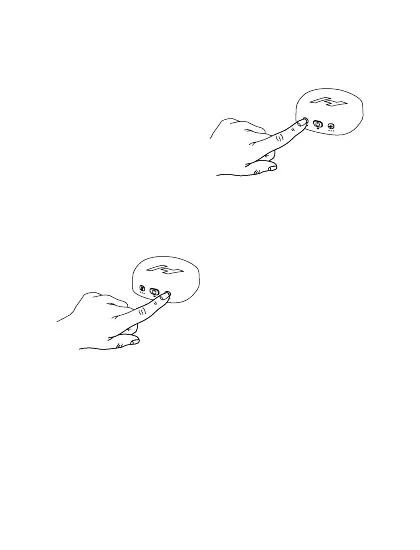
Choose your desired
setting by pressing the
heat button once for each
level. The white lights
below the heat button will
indicate level (1-3).
Add vibration
Choose your desired
setting by pressing the
vibration button once per
pattern. The white lights
below the button will
indicate pattern.
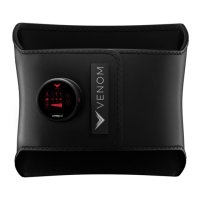
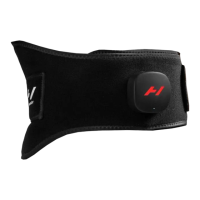
Putting on your Venom 2
The Venom 2 can be worn on bare skin (level 1 only) or
over comfortable clothing (all levels). Place wrap over
intended body part and secure. Make sure there are no
bunches and that the control unit is easily accessible.


 To Next Page