29 Support Troubleshooting Guide
The charging session nished earlier than expected and my car battery is not full
4.
Please check that your vehicle does not have a maximum charge limit set which is limiting the battery charging to a level less than full.
Some vehicles have this setting available to the driver in order to reduce congestion at the motorway charging services.
The charging time is greater than expected
5.
When a vehicle’s charging session is almost complete, the charging speed and input power begin to fall below the maximum available. Please
check your vehicle’s dashboard for an indication of the charging power and whether it is at the level you expect it to be.
Vehicle only charges at a lower power than expected
6.
Please check the specication of your vehicle make and model and verify the maximum power gures for AC Mode 3 charging. Some vehicles
have a maximum charging power of less than what the maximum a Hypervolt Home device can deliver.
If the vehicle always charges at a lower power than specied for its make and model, and has never charged at a higher power, please check
whether a power limitation has been enabled during your installation (Hard Set) or if you have the current limited in the app (Soft Set).
The charger is displaying a pulsing red colour
7.
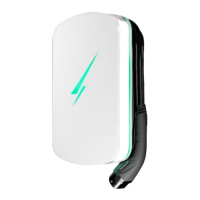
The Hypervolt Home device has detected a problem during your charge session. Firstly try reseting the charger by turning it o then back
on after 5 minutes.
If the problem persists contact Hypervolt support.


 To Previous Page
 Loading...